White-Label Domain Health APIs for MSPs: A Buyer's Framework for 2026
MSPs do not need another manual domain checklist. They need a repeatable way to collect DNS, registration, network, certificate, header, and exposure evidence, package it under their own service model, and defend the margin before the first client report goes out.
The Buying Problem
A white-label domain health service sounds simple until delivery starts. One client wants a launch audit. Another wants monthly SSL evidence. A third wants proof that MX, SPF, DKIM, DMARC, nameservers, certificate dates, and exposed ports have not drifted since onboarding. If every answer depends on screenshots and one-off browser tools, the service becomes expensive to deliver and hard to renew.
The bottom-funnel question is not "which provider has domain data?" It is "which provider gives us the operating surface to sell this as a branded, repeatable service?" For an MSP, that means public pricing, predictable request accounting, bulk workflows, usage visibility, documented API responses, and an escalation path that does not overstate what the platform does natively.
Ops.Tools publicly verifies DNS lookup, WHOIS data, IP lookup, SSL checks, HTTP header analysis, port scanning, API key management, and usage reporting in its API documentation. The pricing page lists bulk processing, webhook support, usage logging controls, account-level usage controls, an auto-generated TypeScript SDK, a Postman collection, and white-label options on higher-volume plans. Treat the exact white-label scope as a procurement question, not a blank check.
Where the Market Is Pulling Buyers
Live market research shows two different buying lanes. WhoisXML API's Domain Research Suite markets an explicit white-label product for domain research and monitoring. HackerTarget positions a tactical security tool set with web forms, API access, free limits, member authentication, quota headers, and credit boosts. IPinfo is sharply focused on IP data, pricing tiers, overages, and downloadable databases for larger buyers.
Those products are not interchangeable. A finished white-label portal is different from an API-first evidence layer. A reconnaissance tool belt is different from a recurring client health package. An IP data specialist is different from a domain, certificate, header, and port-check workflow. MSPs should choose based on the service they plan to sell, not the longest feature list.
| Buyer need | What to verify | Risk if skipped |
|---|---|---|
| Branded client reporting | White-label scope, report ownership, export format | Sales promises exceed delivery tooling. |
| Bulk onboarding | Bulk processing, rate behavior, retry policy | New client audits consume too much labor. |
| Recurring monitoring | Webhook support, owner routing, dedupe keys | Findings create noise instead of renewals. |
| Cost control | Credits, plan limits, usage exports, service filters | Margin disappears as client count grows. |
| Security review | HTTPS, API keys, logs, data handling notes | Enterprise clients block the service later. |
A Practical White-Label Evaluation Workflow
- Define the packaged offer. Decide whether you are selling a one-time audit, monthly domain health report, certificate renewal watch, onboarding readiness check, or managed exposure review.
- Map required evidence. Use DNS for MX, TXT, NS, SOA, CNAME, A, and AAAA records; WHOIS for registrar and renewal context; SSL for certificate validity and expiration; IP lookup for ASN and organization; HTTP analysis for headers; and scoped port checks for approved services.
- Build a client manifest. Store client ID, domain, owner, expected records, approved ports, certificate threshold, and report cadence. This keeps the workflow client-aware without needing vendor-side tenant assumptions.
- Run a pilot against real client-like assets. Use the documented API surface, not private demos, so engineering sees the response shape procurement will approve.
- Normalize results into service language. Convert raw JSON into client-safe fields: "mail routing matches baseline," "certificate expires in fewer than 30 days," "registrar changed," or "unexpected public port observed."
- Route exceptions through your own automation. If the plan includes webhook notifications, send findings to your receiver, then decide whether your system opens a PSA ticket, sends email, updates a dashboard, or adds a row to a report.
- Review usage before pricing the service. Export or inspect API usage by service and date so finance can model client margin separately from engineering curiosity.
Technical Implementation
Start with a thin evidence collector. It should call documented endpoints, preserve raw response bodies for auditability, and write a normalized row that can power a branded report. The examples below use the public base URL and x-api-key header documented by Ops.Tools.
cURL: collect one client domain packet
API_KEY="$OPS_TOOLS_API_KEY"
BASE="https://api.ops.tools"
DOMAIN="client.example"

curl -sG "$BASE/v1-dns-lookup" \
  -H "x-api-key: $API_KEY" \
  --data-urlencode "address=$DOMAIN" \
  --data-urlencode "type=MX"

curl -sG "$BASE/v1-whois-data" \
  -H "x-api-key: $API_KEY" \
  --data-urlencode "domain=$DOMAIN" \
  --data-urlencode "parseWhoisToJson=true"

curl -sG "$BASE/v1-ssl-checker" \
  -H "x-api-key: $API_KEY" \
  --data-urlencode "domain=$DOMAIN"

curl -sG "$BASE/v1-analyze-http" \
  -H "x-api-key: $API_KEY" \
  --data-urlencode "url=https://$DOMAIN" \
  --data-urlencode "followRedirects=true"
TypeScript: normalize report rows
type ClientAsset = {
  clientId: string;
  domain: string;
  expectedMxFragment: string;
  approvedPorts: number[];
};

type DnsResult = { success: boolean; address: string; type: string; records?: string[] | null };
type WhoisResult = { domain: string; whoisText: string; whoisJson?: Record<string, unknown> | null };
type SslResult = { certificate?: { daysRemaining: number; isValid: boolean } };
type PortResult = { ports?: { port: number; state: 'open' | 'closed' | 'filtered' }[] };

const baseUrl = 'https://api.ops.tools';
const headers = { 'x-api-key': process.env.OPS_TOOLS_API_KEY ?? '' };

async function getJson<T>(path: string, params: Record<string, string>) {
  const url = new URL(path, baseUrl);
  for (const [key, value] of Object.entries(params)) url.searchParams.set(key, value);
  const response = await fetch(url, { headers });
  if (!response.ok) throw new Error(`${path} failed with ${response.status}`);
  return (await response.json()) as T;
}

async function buildDomainHealthRow(asset: ClientAsset) {
  const [mx, whois, ssl, ports] = await Promise.all([
    getJson<DnsResult>('/v1-dns-lookup', { address: asset.domain, type: 'MX' }),
    getJson<WhoisResult>('/v1-whois-data', { domain: asset.domain, parseWhoisToJson: 'true' }),
    getJson<SslResult>('/v1-ssl-checker', { domain: asset.domain }),
    getJson<PortResult>('/v1-port-scanner', {
      target: asset.domain,
      ports: asset.approvedPorts.join(','),
    }),
  ]);

  const unexpectedOpenPorts = (ports.ports ?? []).filter(
    (port) => port.state === 'open' && !asset.approvedPorts.includes(port.port),
  );

  return {
    clientId: asset.clientId,
    domain: asset.domain,
    mxStatus: (mx.records ?? []).some((record) => record.includes(asset.expectedMxFragment)) ? 'pass' : 'review',
    hasWhoisEvidence: Boolean(whois.whoisText),
    sslStatus: ssl.certificate?.isValid && ssl.certificate.daysRemaining >= 30 ? 'pass' : 'review',
    unexpectedOpenPorts,
  };
}
Pricing and Margin Model
Model the service by request bundle. A launch audit that checks DNS MX, DNS TXT, WHOIS, SSL, HTTP headers, IP ownership, and approved ports is at least seven endpoint calls per domain before retries or extra record types. A monthly monitor may be smaller if it only checks DNS records, WHOIS expiration context, and SSL certificate dates. Keep those bundles separate so onboarding spikes do not distort recurring gross margin.
Ops.Tools pricing states that one credit equals one API request. It also lists pay-as-you-go credits for irregular work and monthly plans for predictable operations. MSPs should map each client package to expected monthly requests, then compare pay-as-you-go credits, Growth, Business, Premium, and Enterprise terms based on volume, support, bulk behavior, webhook needs, and white-label scope.
What Not to Sell Before It Is Verified
White-label packaging makes weak claims tempting. A client rarely knows the difference between a DNS TXT check, a blacklist monitor, a phishing-domain detector, a native PSA integration, and a webhook that your team routes into a PSA. Your sales deck has to know the difference. If the provider documents API access and webhook support, call the workflow API-based and webhook-based. If the provider documents a finished native integration, name it. If it does not, keep the integration claim out of the contract.
The same rule applies to threat, reputation, and compliance language. DNS, WHOIS, IP, SSL, HTTP header, and port evidence can support security review and incident response. That does not automatically make the service a malware verdict engine, phishing takedown platform, or compliance certification tool. Strong MSP positioning is often quieter: "we verify your external domain evidence every month and escalate drift with source data." That promise is easier to prove, renew, and defend in a client QBR.
Procurement Questions for MSP Buyers
Before committing to a white-label domain health API, run a procurement pass that reads like an operating checklist. Ask whether the API key model supports separate environments, who can rotate keys, what usage rows are available by service, how downloadable usage exports work, and whether your plan includes bulk processing at the volume your onboarding pipeline needs. Ask whether webhook notifications include enough context for your receiver to deduplicate findings by client, asset, check type, and observed value.
Also ask support questions that affect margin. Which plan includes priority support? Are custom integrations a plan feature, a separate services project, or an Enterprise negotiation? If white-label options are listed, does that mean branded reports, branded UI, custom domain, resale rights, custom support paths, or simply permission to build your own branded workflow on top of the API? A short written answer here prevents a long delivery argument later.
What the Client Report Should Show
The client-facing report should be shorter than the evidence packet. Keep the raw JSON internally, then show the client a stable summary: domain, check date, owner, DNS status, registrar context, expiration risk, certificate status, header posture, approved public ports, and the next action. The report should also explain what was not checked. If your package does not include blacklist monitoring, historical DNS, typosquatting discovery, or phishing takedown, say that plainly. Clear boundaries make the service easier to renew because the client knows exactly what changed month to month.
Decision Matrix
| Service model | Best-fit buying criteria | Ops.Tools fit to evaluate |
|---|---|---|
| One-time client audit | Low friction, pay-per-use, exportable evidence | Pay-as-you-go credits plus documented endpoints |
| Monthly health report | Predictable credits, usage controls, bulk runs | Monthly plans with bulk and usage features |
| Premium managed service | Webhook routing, white-label scope, support model | Business, Premium, or Enterprise review |
| Research-heavy investigations | Historical DNS, historical WHOIS, deep pivots | Compare with research-first vendors directly |
Internal Links for the Buying Team
Start with the MSP client infrastructure audit playbook if you need the delivery workflow. Use the infrastructure API cost model to forecast credits, and the domain data API buyer's guide when procurement wants a broader vendor framework.
FAQ
Does white-label support mean a complete client portal is included?
Not automatically. Treat white-label support as a commercial feature to verify. Confirm branding scope, report ownership, API limits, webhook behavior, support boundaries, and whether you are buying a finished portal or API primitives for your own client experience.
Which checks should an MSP include in a domain health package first?
Start with DNS record validation, WHOIS registration and expiration context, SSL certificate validity and days remaining, HTTP security header evidence, IP and ASN context, and scoped port checks for approved client assets.
Can webhook notifications replace a native PSA, SIEM, or ticketing integration?
No. Webhooks can route normalized findings into your own automation. Describe the workflow as webhook-based unless the vendor documents the exact PSA, SIEM, ticketing, or collaboration integration by name.
How should MSPs model pricing before selling the service?
Model every endpoint call as a billable request, then separate onboarding audits from recurring monitoring. Ops.Tools pricing states that one credit equals one API request and lists both pay-as-you-go credits and monthly plans.
Evaluate a branded domain health workflow on documented APIs
Use Ops.Tools for DNS, WHOIS, IP, SSL, HTTP, port, usage, and API-key evidence, then confirm plan fit and white-label scope before packaging the service for clients.
Related articles
More guides from the same operational area.
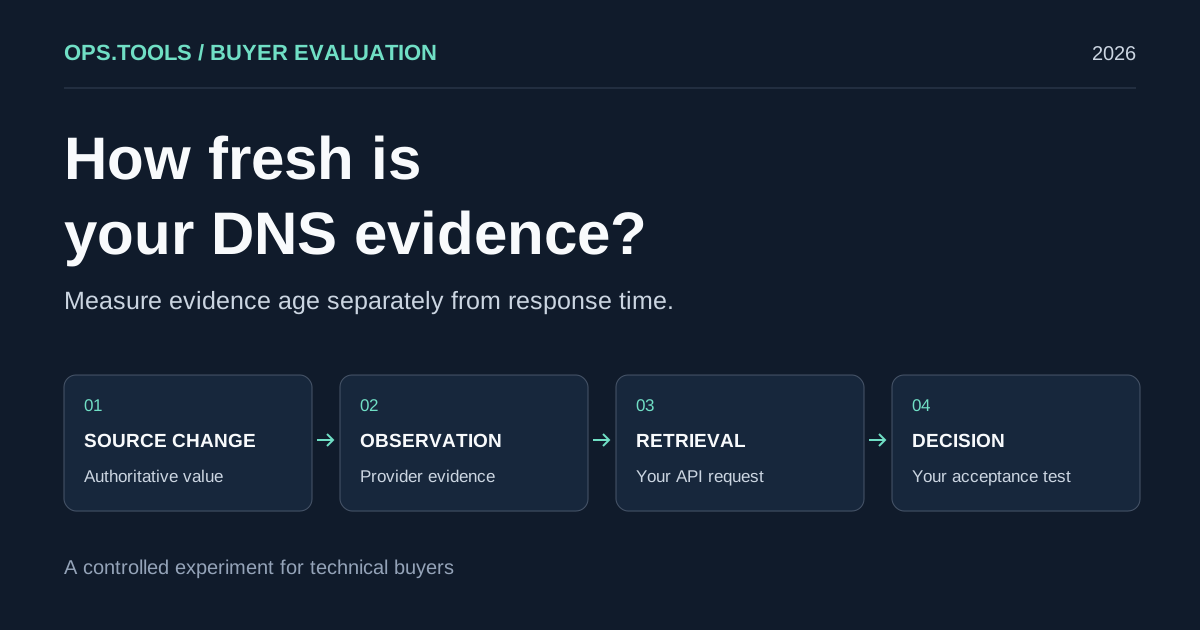
DNS API Data Freshness: A Buyer's Cache Evaluation Test
Evaluate DNS API data freshness with a controlled cache test, evidence timestamps, and buying criteria for release checks, domain audits, and security teams.
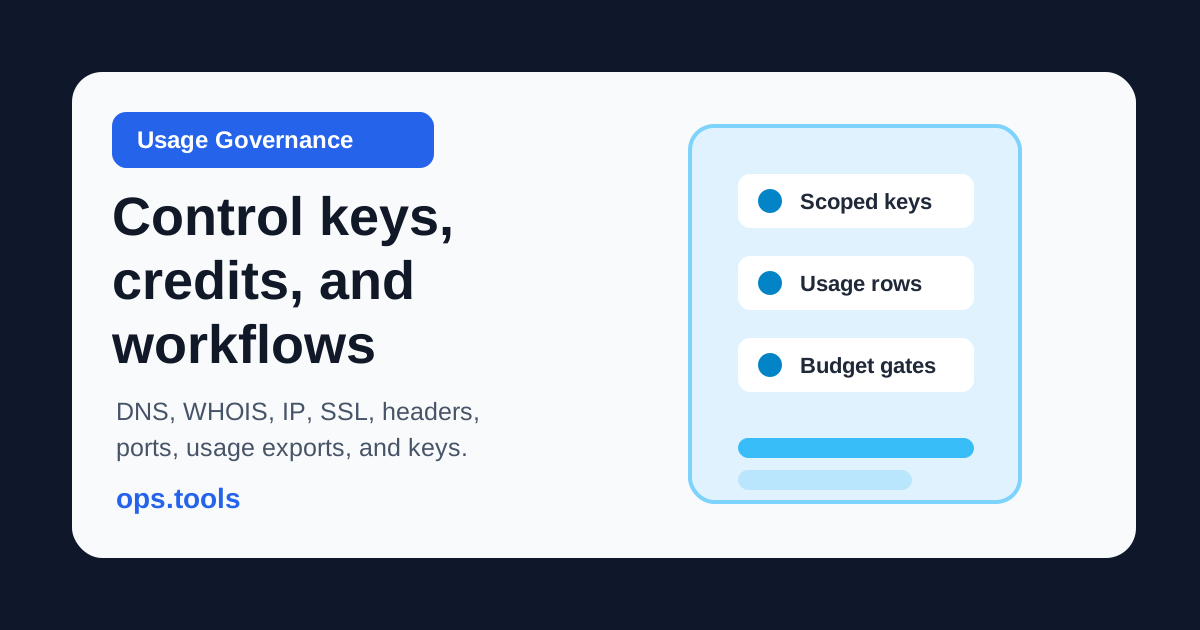
API Usage Governance 2026: Control Credits, Keys, and Team Access Before You Scale
Evaluate domain and network API providers through API key controls, usage exports, credit governance, workflow ownership, bulk jobs, and alert-safe automation.
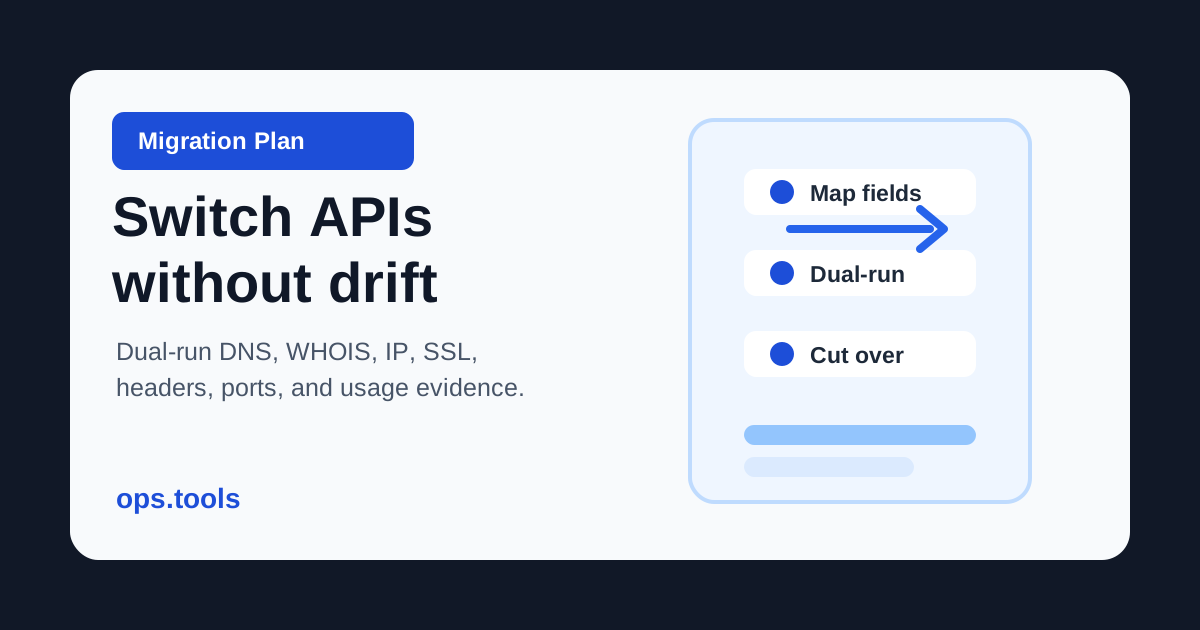
Domain Data API Migration Plan 2026: Switch Vendors Without Breaking Workflows
Move DNS, WHOIS, IP, SSL, HTTP header, and port-check workflows between providers with schema mapping, dual-run evidence, usage exports, and controlled cutover gates.