API Usage Governance 2026: Control Credits, Keys, and Team Access Before You Scale
A domain and network API stops being a developer utility when it powers release gates, domain portfolio audits, customer onboarding, incident response, and security evidence. At that point, the buying question is not only what the endpoint returns. It is whether the team can govern usage without losing speed.
Why Governance Belongs in the Buying Criteria
Teams often evaluate DNS, WHOIS, IP, SSL, HTTP header, and port-check APIs by endpoint coverage, response format, and list price. Those are real criteria, but they do not answer the question that appears after adoption: who owns the key, who pays for the traffic, and which workflow is allowed to spend credits at 3 a.m.
Ops.Tools is a paid-only platform with professional plans starting at $6.99/month. The live pricing page states that one credit equals one API request across DNS, WHOIS, IP, SSL, port, and related checks. It also verifies bulk processing, webhook support, account-level usage controls, usage logging controls, interactive documentation, a Postman collection, and an auto-generated TypeScript SDK. The public OpenAPI in this repo verifies API key management, usage reporting, usage exports, IP Lookup, DNS, WHOIS, SSL, HTTP Analysis, and Port Scanner endpoints.
That combination creates a specific bottom-funnel question: can a buyer govern the operating model before the tool becomes embedded in CI jobs, scheduled audits, domain operations, security enrichment, and finance reporting? If the answer is unclear, the lowest sticker price can still become expensive.
The Governance Checklist
| Area | Buyer question | Operational evidence |
|---|---|---|
| API keys | Can keys be created, listed, inspected, updated, and deleted? | Owner, environment, enabled state, and allowed services |
| Usage | Can request volume be filtered by date and service? | Daily rows for DNS, WHOIS, IP, SSL, headers, or ports |
| Credits | Can recurring and burst workloads be forecast in the same unit? | One request equals one credit on the pricing page |
| Automation | Are bulk and webhook workflows documented without native-integration overclaims? | Batch manifests, receiver logs, and signed payloads |
| Review | Can security and finance review the same usage record? | Downloadable usage export and evidence retention policy |
Step-by-Step Governance Workflow
- Inventory workflows before keys. List release validation, recurring infrastructure monitoring, domain portfolio audits, customer-domain checks, security alert enrichment, incident response, competitive domain research, and one-off investigations. Each workload needs an owner.
- Map services to decisions. DNS answers release and configuration questions. WHOIS provides registration and expiration context. IP data adds country, organization, ASN, and PTR evidence. SSL checks confirm certificate validity and expiry. HTTP Analysis and Port Scanner calls document web posture and public service exposure.
- Separate production from exploration. A production monitor should not share a key with a notebook, AI agent, or analyst experiment. Scope keys by workflow where possible, and rotate any key that was copied into a broad environment.
- Budget by request source. Count scheduled monitors, CI checks, bulk audits, retries, webhook-triggered rechecks, and manual investigations separately. The same asset can be checked many times for different reasons.
- Export usage on a cadence. Finance wants spend visibility; security wants unusual traffic; platform wants failed or noisy jobs. A shared export lets those teams discuss the same facts.
- Write exception rules. Decide who can bypass a release gate, add a high-volume asset list, widen a port scan, or allow an agent workflow to call live endpoints.
- Review stale keys and workflows. A key tied to a retired monitor is still a credential. Remove it, or at least disable it, when the workflow leaves production.
API Examples: Keys and Usage
The examples below use verified endpoint names from the public OpenAPI. They show governance mechanics rather than a full application. Keep API keys in server-side automation, CI secrets, or a secret manager, not in browser code or shared chat messages.
cURL: inspect usage by service
API_KEY="$OPS_TOOLS_API_KEY"
BASE="https://api.ops.tools"

curl -sG "$BASE/v1-get-api-usage" \
  -H "x-api-key: $API_KEY" \
  --data-urlencode "from=2026-06-01" \
  --data-urlencode "to=2026-06-30" \
  --data-urlencode "service=dns-lookup"

curl -sG "$BASE/v1-download-api-usage" \
  -H "x-api-key: $API_KEY" \
  --data-urlencode "from=2026-06-01" \
  --data-urlencode "to=2026-06-30"
TypeScript: enforce a request budget
const BASE = 'https://api.ops.tools';
const apiKey = process.env.OPS_TOOLS_API_KEY;

async function getUsage(service: string) {
  const url = new URL('/v1-get-api-usage', BASE);
  url.searchParams.set('from', '2026-06-01');
  url.searchParams.set('to', '2026-06-30');
  url.searchParams.set('service', service);

  const response = await fetch(url, {
    headers: { 'x-api-key': String(apiKey) },
  });

  if (!response.ok) {
    throw new Error('Usage lookup failed: ' + response.status);
  }

  return (await response.json()) as Array<{
    date: string;
    service: string;
    count: number;
    userId: string;
  }>;
}

const rows = await getUsage('ssl-checker');
const used = rows.reduce((total, row) => total + row.count, 0);
const monthlyBudget = 5000;

if (used > monthlyBudget) {
  throw new Error('SSL checker budget exceeded for this workflow');
}
A Practical Key Model
Start with five key groups. One key handles production monitoring for approved domains. One handles CI/CD or release validation with lower volume and stricter asset allowlists. One handles security enrichment, including DNS, WHOIS, IP, SSL, headers, and scoped port evidence for investigation workflows. One handles domain operations, including portfolio audits and expiration tracking. One handles experiments, including analyst notebooks or internal agent workflows.
That model is not about bureaucracy. It keeps a runaway script from consuming the same budget as production monitors, and it helps responders identify the workflow behind suspicious usage. If an AI agent or MCP-style automation is allowed to run checks, treat it as a separate client with a narrow asset list, a maximum request count, and logs that explain why each lookup happened. The repo verifies agent discovery surfaces, but the blog should not imply unmanaged autonomous access.
Monthly Governance Review
A good review meeting is short because the evidence is already organized. Pull usage by service, compare it with the expected budget, and ask owners to explain meaningful changes. DNS volume might rise during a migration. SSL checks might spike during certificate renewal season. WHOIS volume might increase during a portfolio acquisition or brand-protection review. The point is not to punish teams for using the API. The point is to make the change legible before finance, security, or operations has to ask.
Review failures separately from volume. A workflow can stay under budget and still be unhealthy if it retries the same failed check all day, uses query-string keys in logs, or posts full evidence into a broad channel. Usage exports show how much traffic happened. Owner notes explain why it happened. Together, they become the audit trail a buyer should want before expanding into more teams.
| Review item | What to inspect | Action when it drifts |
|---|---|---|
| Service mix | DNS, WHOIS, IP, SSL, header, and port volume by workflow | Reforecast plan fit or move burst work to scheduled windows |
| Key ownership | Keys with no owner, stale environment, or broad service access | Disable, rotate, or split keys by workflow owner |
| Alert path | Webhook receiver health, retry counts, and noisy findings | Tune dedupe keys, severity rules, and owner routing |
| Evidence retention | How long raw responses and normalized findings are kept | Shorten broad retention or move sensitive evidence to controlled storage |
Metric Reconciliation Before You Quote Numbers
A governance page should not repeat every impressive number it finds. During the audit, the public site showed metrics that vary by page: API families are described as 6+ on the homepage while the curated OpenAPI exposes eight customer-facing families when API Keys and Usage are included; response time appears as 25-50ms on the homepage and 50ms on individual tool pages; customer and company counts vary between marketing surfaces. That does not make the product unusable, but it does change how careful content should be.
In a buying guide or governance checklist, use numbers only when they are necessary and source-specific. Pricing is safe to cite when it matches the live pricing page and repo pricing docs. Endpoint names are safe when they match the public OpenAPI. For metrics that vary across pages, describe the capability without the number, or tie the number to the page where it appears. That discipline protects the article from turning into a stale sales sheet.
Where Competitor Research Points
Current competitor pages show buyers comparing more than raw data. SecurityTrails documents a REST API for IP, DNS, WHOIS, and company data used by SIEM and security automation products. HackerTarget exposes DNS, WHOIS, IP, port, and header-style tools through web forms and API endpoints, with quota headers and daily limits. IPinfo highlights API access, downloadable databases, SDKs, cloud and SIEM integrations, a CLI, and MCP access. WhoisXML API presents a broad menu of WHOIS, DNS, IP, reverse lookup, history, and intelligence products. Across that market, governance, usage visibility, and integration fit are buying issues, not back-office details.
Bottom-Funnel Decision Matrix
| Buying signal | Why it matters | Question to ask |
|---|---|---|
| One billing unit | Forecasts become easier when services share a request unit. | Does each check consume a predictable credit? |
| Usage exports | Finance and operators can audit adoption after launch. | Can usage be exported by date and service? |
| Service-aware keys | A compromised or noisy workflow has a smaller blast radius. | Can a key be limited, disabled, or replaced quickly? |
| Bulk and webhook support | Large audits and alert routing need operational structure. | Is the workflow API-based, webhook-based, or native? |
Internal Links for the Evaluation Team
Pair this governance review with the Ops.Tools pricing page, the API docs, and the tool pages for DNS lookup, WHOIS, IP data, SSL checks, HTTP Analysis, and Port Scanner. For adjacent planning, read the infrastructure API POC checklist and the domain data API migration plan.
FAQs
What is API usage governance for domain and network checks?
It is the operating model for API keys, service scopes, request volume, billing visibility, workflow ownership, evidence retention, and escalation rules across DNS, WHOIS, IP, SSL, HTTP header, and port-check workloads.
Which Ops.Tools governance capabilities are verified?
The live site and repo verify API key management, account usage controls, usage logging controls, usage reporting, downloadable usage exports, paid credits, monthly plans, bulk processing, webhook support, REST JSON responses, OpenAPI docs, and a generated TypeScript SDK.
Should every team share one API key?
No. Shared keys hide ownership and make incident response harder. Use separate keys or service access boundaries for production monitors, CI jobs, security enrichment, finance exports, and experiments when the platform supports that model.
Can an AI agent or MCP workflow call these APIs directly?
Only if the agent is treated like any other automation client: scoped key, asset allowlist, request budget, logging, and human-readable evidence. Do not describe an agent workflow as a native product integration unless it is documented.
The best time to define governance is before the API becomes invisible infrastructure. Give every key a workload, every workload a budget, every alert a route, and every monthly bill enough detail to explain itself.
Review the API surface before you scale usage
Use Ops.Tools API keys, usage reporting, DNS, WHOIS, IP, SSL, HTTP Analysis, and Port Scanner endpoints to build governed infrastructure workflows with predictable billing evidence.
Related articles
More guides from the same operational area.
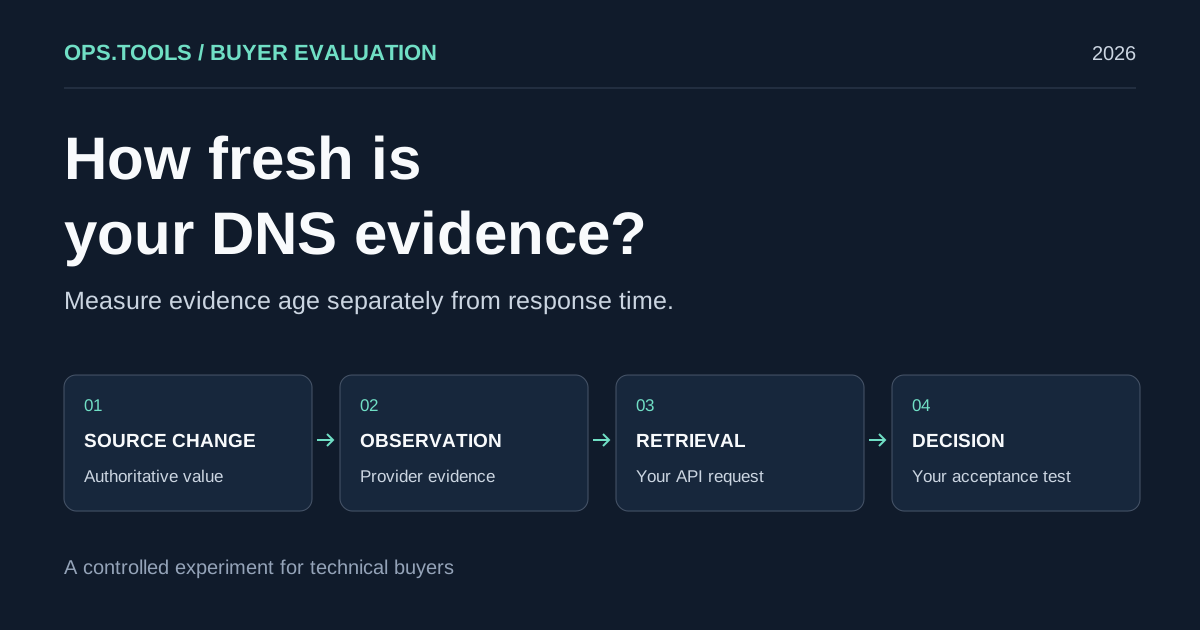
DNS API Data Freshness: A Buyer's Cache Evaluation Test
Evaluate DNS API data freshness with a controlled cache test, evidence timestamps, and buying criteria for release checks, domain audits, and security teams.
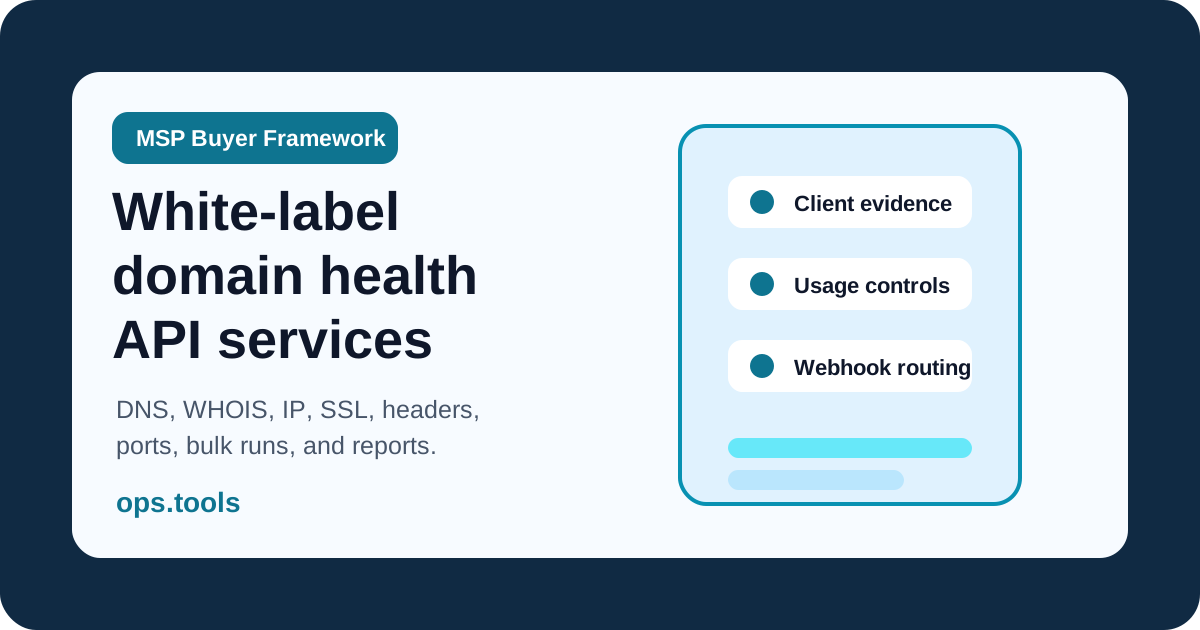
White-Label Domain Health APIs for MSPs: A Buyer’s Framework for 2026
Evaluate API-based DNS, WHOIS, IP, SSL, HTTP, and port evidence for branded MSP domain health services, bulk audits, usage controls, and client reporting.
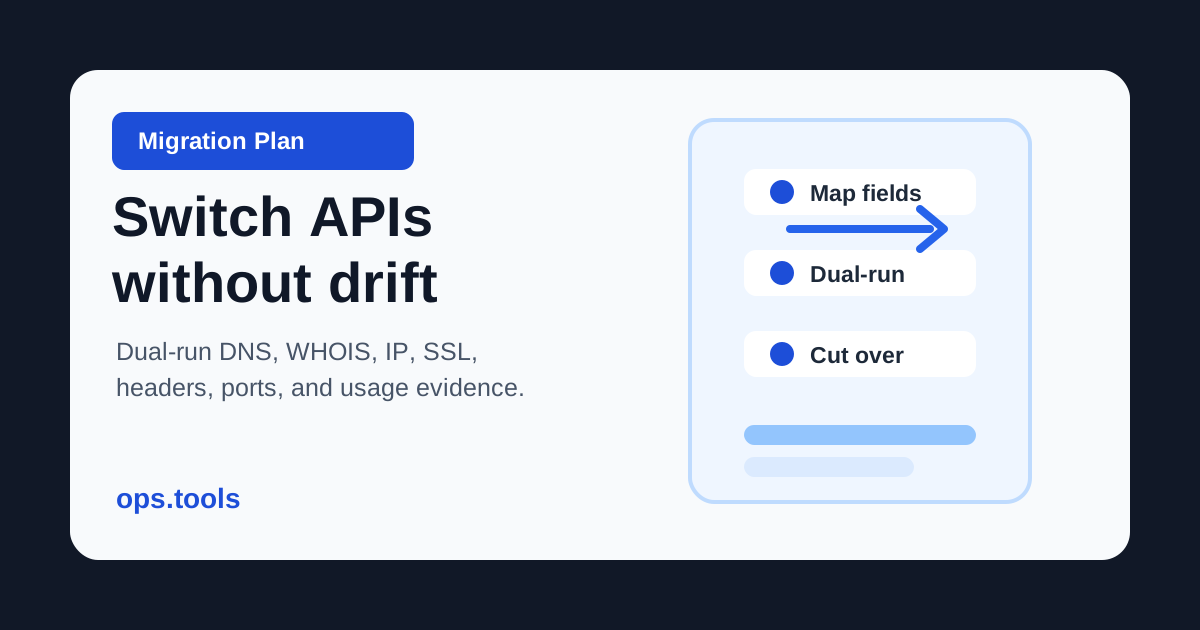
Domain Data API Migration Plan 2026: Switch Vendors Without Breaking Workflows
Move DNS, WHOIS, IP, SSL, HTTP header, and port-check workflows between providers with schema mapping, dual-run evidence, usage exports, and controlled cutover gates.