AI Agent Guardrails for DNS, WHOIS, IP, and SSL Checks in 2026
Agent-driven infrastructure checks are useful when they stay bounded. The agent can gather DNS, registration, network, certificate, header, and port evidence, but the system around it must decide scope, budget, policy, retention, and escalation.
Why Agents Need Operating Rules
A human SRE usually knows when a domain lookup is enough and when a broader investigation needs approval. An AI agent does not have that judgment unless the workflow gives it boundaries. Without boundaries, a simple prompt can turn into duplicate lookups, noisy findings, unclear authorization, or API spend that no one planned.
That is especially true for domain and infrastructure checks. DNS records, WHOIS registration data, IP and ASN context, SSL certificate evidence, HTTP headers, and scoped port checks are valuable signals for release validation, on-call triage, domain portfolio review, and security investigations. They also need controls: asset allowlists, request budgets, cached reads, approval gates for active scans, and logs that explain what the agent did.
This article treats AI agents and MCP-style orchestration as workflow patterns. It does not assume a native Slack, PagerDuty, SIEM, or ticketing integration. If your agent posts to those systems, that is your automation path unless the vendor documents the specific integration.
Verified Surface to Build Around
Ops.Tools publishes a public API reference for DNS lookup, WHOIS data, IP details, SSL checks, HTTP header analysis, port scanning, API key management, and usage reporting. The site also exposes machine-readable discovery routes such as /.well-known/api-catalog, /.well-known/agent-skills/index.json, and /.well-known/mcp-server-card. Those routes help agents and tooling discover the platform, but the operational controls still belong in your orchestrator.
For exact parameters and response shape, use the API reference. For spend controls, use the pricing page and usage reporting endpoints. For examples of adjacent human workflows, compare the domain incident response runbook and CI/CD validation guide.
The Guardrail Model
| Layer | Control | Failure it prevents |
|---|---|---|
| Scope | Approved domains, IPs, ports, and record types | Unauthorized or irrelevant checks |
| Budget | Request cap per run, per user, and per asset | Runaway loops and surprise usage |
| Cache | Deduplicate identical lookups inside a run | Repeated queries from agent retries |
| Policy | Local pass, warn, fail rules | The agent inventing severity |
| Evidence | Raw JSON plus normalized summary | Findings that cannot be audited |
Step-by-Step Agent Workflow
- Declare the mission. Use a narrow task such as pre-release domain validation, certificate renewal review, suspicious-domain triage, vendor domain intake, or monthly portfolio audit.
- Load an allowlist. Give the agent approved domains, expected DNS records, known ASNs, certificate thresholds, authorized ports, and owners. Reject targets that are outside the list.
- Plan the checks before calling APIs. Ask the agent to produce a call plan: DNS, WHOIS, IP, SSL, HTTP headers, or port checks. Your orchestrator approves or trims that plan.
- Run through a tool wrapper. The wrapper calls the documented Ops.Tools endpoints, enforces budgets, caches duplicate calls, and stores raw responses.
- Evaluate policy locally. The agent can summarize, but the pass/fail rules should live in code: MX record mismatch, unexpected ASN, certificate below threshold, missing header, or open port outside the allowlist.
- Route findings carefully. Use webhook-based or internal automation after policy evaluation. Escalate only normalized findings, not every raw lookup.
- Export usage and evidence. Review usage reporting after bulk jobs and keep evidence attached to the release, incident, or audit record.
API Examples for an Agent Tool Wrapper
The examples below show a small REST wrapper. It is suitable for an agent runner, MCP tool implementation, CI/CD job, or internal automation service. The important part is that the wrapper, not the model, owns authorization, budgets, and policy.
cURL: fetch discovery and run a DNS check
curl -s https://ops.tools/.well-known/api-catalog
curl -s https://ops.tools/.well-known/mcp-server-card

curl -sG "https://api.ops.tools/v1-dns-lookup" \
  -H "x-api-key: $OPS_TOOLS_API_KEY" \
  --data-urlencode "address=example.com" \
  --data-urlencode "type=TXT"
TypeScript: budgeted calls from an agent
type AgentCheck = {
  endpoint: 'dns' | 'whois' | 'ip' | 'ssl';
  target: string;
  recordType?: string;
};

const baseUrl = 'https://api.ops.tools';
const maxRequestsPerRun = 25;
const cache = new Map<string, unknown>();

async function callOpsTools(check: AgentCheck, budget: { used: number }) {
  if (budget.used >= maxRequestsPerRun) {
    throw new Error('Agent request budget exceeded');
  }

  const cacheKey = JSON.stringify(check);
  if (cache.has(cacheKey)) return cache.get(cacheKey);

  const url = new URL(
    check.endpoint === 'dns' ? '/v1-dns-lookup' :
    check.endpoint === 'whois' ? '/v1-whois-data' :
    check.endpoint === 'ip' ? '/v1-get-ip-details' :
    '/v1-ssl-checker',
    baseUrl
  );

  if (check.endpoint === 'dns') {
    url.searchParams.set('address', check.target);
    url.searchParams.set('type', check.recordType ?? 'A');
  } else if (check.endpoint === 'ip') {
    url.searchParams.set('ip', check.target);
  } else {
    url.searchParams.set('domain', check.target);
  }

  budget.used += 1;
  const response = await fetch(url, {
    headers: { 'x-api-key': process.env.OPS_TOOLS_API_KEY ?? '' },
  });
  if (!response.ok) throw new Error(`Ops.Tools returned ${response.status}`);

  const json = await response.json();
  cache.set(cacheKey, json);
  return json;
}
Policy Examples That Keep the Agent Honest
Let the agent explain results, but keep the rules deterministic. For release validation, fail if the expected DNS record is missing, warn if WHOIS registrar changed unexpectedly, warn if the IP resolves to an unapproved ASN, fail if the certificate is invalid or close to expiry, and fail if an unauthorized public port appears. For incident response, the same checks can collect context without automatically declaring a breach.
For domain portfolio management, the agent can group assets by owner, registrar, expiry risk, and DNS drift. For competitive research, it can summarize registration and network clues from authorized public data. In each case, the workflow should label the source and avoid claiming certainty where WHOIS redaction, DNS caching, or shared hosting makes the evidence incomplete.
Where Bulk Work Belongs
Bulk checks should run from manifests, not ad hoc prompts. A manifest gives the workflow an asset owner, expected state, allowed checks, and request limit before any API call happens. That is safer for domain portfolio audits, MSP client reviews, security investigations, and recurring infrastructure health checks.
The agent can still help. It can prepare the manifest, cluster results, write ticket summaries, and suggest follow-up checks. It should not silently expand the target list, retry forever, or choose active port scans without authorization.
When the Agent Should Stop
A safe agent workflow includes stop conditions. Stop when the target is outside the approved manifest. Stop when the request budget is exhausted. Stop when an endpoint returns repeated errors. Stop when the agent asks for a higher-risk action, such as expanding a port scan from common web ports to a broader range. Stop when the finding needs business context that the model does not have, such as whether a registrar change was planned.
These stops are not product friction. They are how agent workflows become acceptable to platform and security teams. A human can resume the workflow with a larger manifest, a higher budget, or an explicit approval. The important thing is that the system records why it stopped, what evidence was already collected, and what decision is being handed back to a person.
Incident response needs a particularly careful stop rule. The agent can enrich an alert with DNS records, WHOIS data, IP and ASN context, SSL details, headers, and scoped port evidence. It should not accuse an owner, attribute an attack, or update production policy by itself. Keep the agent in the evidence lane unless your incident process has a separately approved automation step.
Usage Governance for Agent Calls
Agent-driven lookups change the shape of API consumption. Humans usually run a few checks, read the result, and decide what to do next. Agents may retry, branch, summarize, re-check, and ask for adjacent evidence. That is useful when bounded, but it makes usage reporting and request caps more important than they are in a manual tool workflow.
Treat the usage report as part of the workflow, not as a finance afterthought. After a bulk run, export usage and attach it to the release, audit, or incident record. If the workflow is recurring, compare expected request volume to actual request volume. A large gap usually means the agent is repeating checks, expanding scope, or using a prompt that asks for more evidence than the policy requires.
Caching also belongs in the orchestrator. The public API supports cache-related parameters on several endpoint families, but your wrapper should still deduplicate calls within a run. If the agent checks the same MX record three times while drafting a summary, the second and third reads should come from your local run cache unless the workflow explicitly requests a fresh lookup.
Implementation Notes for MCP-Style Tools
If you expose these checks through an MCP-style tool, keep the tool descriptions narrow. A good tool name is not "investigate everything." Prefer specific actions such as "lookup DNS record," "fetch WHOIS registration data," "check certificate state," or "review approved port exposure." Specific tools help the model choose the smallest useful action.
Tool input schemas should require the same fields your operations policy requires: target, reason, owner, workflow id, and any expected state. For port checks, require the approved port set. For domain portfolio reviews, require a manifest id. For CI/CD checks, require the release id and environment. The model should not be able to invent operational context through natural language alone.
The output should be boring in the best way: raw evidence reference, normalized result, policy status, budget used, and next action. That structure makes the result useful to humans, logs, webhooks, CI jobs, and later audits. The agent can write a friendly explanation after that, but the machine-readable output should stay stable.
Agent Workflow Decision Matrix
| Use case | Agent role | Hard guardrail |
|---|---|---|
| CI/CD release validation | Summarize DNS, SSL, IP, and header evidence | Fail rules live in code |
| Domain portfolio audit | Group drift and renewal risks by owner | Manifest defines all targets |
| Security investigation | Collect registration, DNS, ASN, and certificate clues | Evidence labels avoid certainty claims |
| Port exposure review | Explain unexpected services after scan results | Approved targets and ports only |
FAQ
Does Ops.Tools require a special AI agent integration for these workflows?
No. The workflow can call the documented REST API from an agent runner, CI job, MCP tool wrapper, or internal automation service. Ops.Tools also publishes machine-readable discovery endpoints, but the checks should still be scoped and budgeted by your system.
Should an AI agent be allowed to run port scans automatically?
Only against assets your organization is authorized to test, and only inside an explicit allowlist. Treat port checks as higher-risk than passive DNS, WHOIS, IP, SSL, or HTTP-header evidence.
How do you prevent agent-driven API spend from drifting?
Give the agent a request budget, enforce deduplication and caching in the orchestrator, export usage, and route large manifests through approved jobs instead of open-ended conversational prompts.
Where do webhooks fit in an agent workflow?
Use webhook notifications or internal webhooks to route normalized findings after policy evaluation. Do not describe a webhook path as a native Slack, PagerDuty, Jira, or SIEM integration unless that exact integration is documented.
Build agent workflows on documented infrastructure checks
Use Ops.Tools APIs for bounded DNS, WHOIS, IP, SSL, HTTP, and port evidence, then enforce budgets and policy in your own orchestrator.
Related articles
More guides from the same operational area.
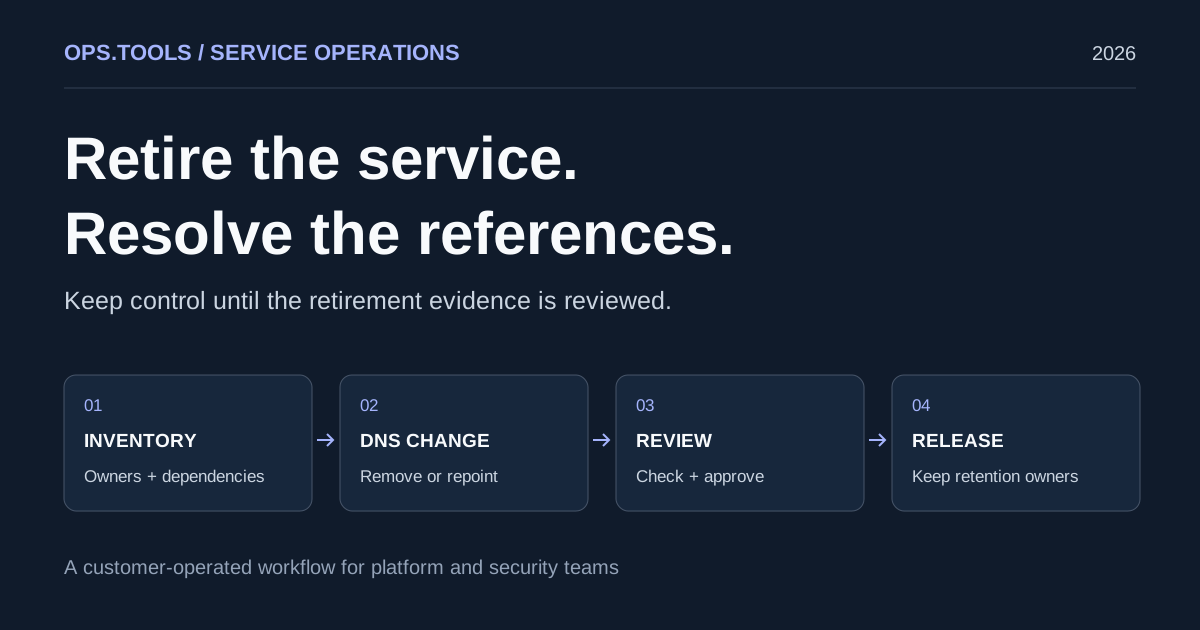
Dangling DNS Cleanup: A Safe Service Retirement Workflow
Retire services safely with dangling DNS cleanup, bulk checks, certificate and domain retention decisions, and a CI approval gate before releasing resources.
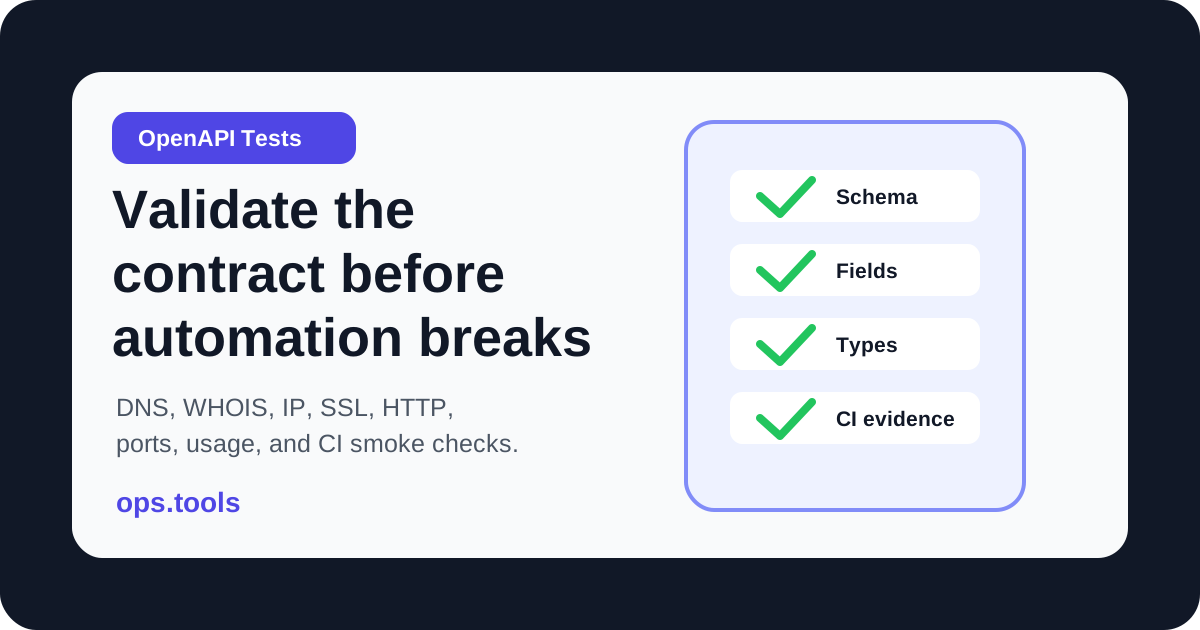
OpenAPI Contract Tests for Infrastructure APIs in 2026
Build OpenAPI contract tests for DNS, WHOIS, IP, SSL, HTTP, port, and usage endpoints so CI catches schema drift before production workflows break.
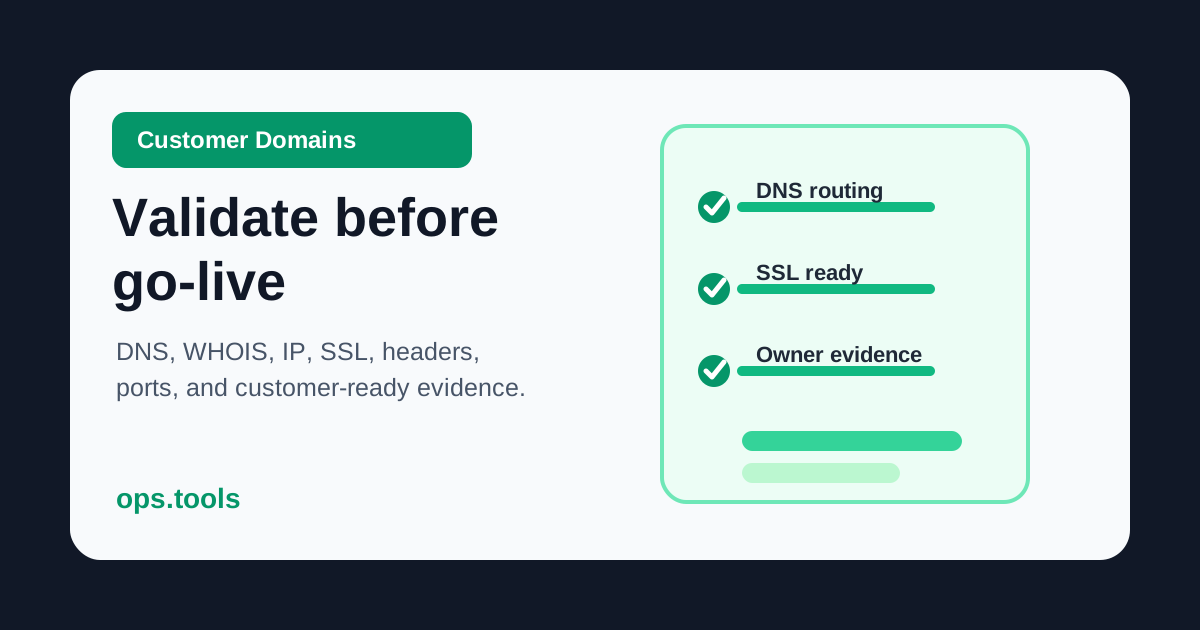
Customer Domain Onboarding Automation in 2026: Validate DNS, SSL, IP, and WHOIS Before Go-Live
Build a customer-domain readiness gate with DNS ownership checks, WHOIS context, IP ownership, SSL validation, headers, scoped ports, bulk runs, and webhook routing.