Domain Incident Response Runbook 2026: DNS, WHOIS, IP, SSL, Headers, and Ports
When production breaks at the edge of DNS, registration, routing, TLS, or public exposure, on-call teams need a compact evidence pack fast. This runbook turns those checks into an API-first workflow.
The Problem: Domain Incidents Cross Team Lines
A domain incident rarely belongs to one system. An expired certificate looks like an application outage. A registrar change looks like DNS drift. A CDN routing mistake looks like regional downtime. A forgotten staging host with an open admin port looks like a security incident, but the fix may live with platform engineering.
Manual triage makes that worse. Each team checks a different console, pastes partial output into chat, and waits for someone else to confirm ownership. By the time the incident ticket has a clean picture, the team has already lost the most valuable minutes.
A domain incident response runbook should collect the same evidence every time: DNS answers, registration context, IP and ASN details, certificate state, HTTP behavior, scoped port exposure, and the ownership signal needed to route the next action.
Verified Checks in the Ops.Tools API Surface
The public OpenAPI reference documents endpoint families for DNS lookup, WHOIS data, IP details, SSL checks, HTTP header analysis, and port scanning. The response schemas include the fields an incident ticket usually needs: DNS records, raw and parsed WHOIS output, country and ASN context, certificate validity and expiration, HTTP status with headers and recommendations, plus open, closed, or filtered port states.
Build the runbook around those documented contracts. If your team posts the result into a SIEM, ticket, chat channel, or webhook, describe that as your automation unless a native destination is verified in docs.
Incident Workflow: From Symptom to Evidence
- Normalize the target. Convert the alert into a domain, hostname, URL, or IP address. Attach service owner, environment, and business criticality from your asset inventory.
- Check DNS first. Query the expected record type and compare the answer against the release plan or known provider. DNS drift explains many edge incidents before application logs become useful.
- Pull WHOIS context. Check registrar, nameservers, expiry context, and parsed registration fields when available. This helps separate a bad deploy from a domain operations problem.
- Enrich the IP. Add country, registered country, ASN, organization, city, and PTR data when the incident involves routing, fraud review, or unexpected infrastructure ownership.
- Validate the certificate. Record issuer, validity, days remaining, self-signed status, subject alternative names, and chain information.
- Inspect HTTP behavior. Capture final URL, redirect chain, status code, raw headers, security summary, and caching signals for web-facing incidents.
- Scan only approved ports. Use a narrow allowlist such as
80,443,8443or a service-owned manifest. Route unexpected open services to the owner with the raw evidence attached.
Symptom-to-Check Matrix
| Incident symptom | Checks to run first | Likely owner |
|---|---|---|
| Users hit the wrong site | DNS A/AAAA/CNAME, WHOIS nameservers, HTTP final URL | Platform or domain operations |
| Browser certificate warning | SSL certificate, SANs, issuer, DNS target, IP owner | SRE or certificate owner |
| Regional or provider-specific failure | DNS answers, IP details, ASN, HTTP redirects | Network, CDN, or platform team |
| Unexpected public service | Scoped port scan, DNS, SSL, HTTP headers | Service owner or security team |
| Suspicious third-party domain | WHOIS, DNS, IP owner, SSL subject, HTTP headers | Security, vendor risk, or legal |
Build the Evidence Pack as a Timeline
Incident evidence gets weaker when it is pasted out of order. Store the runbook output as a timeline: alert received, DNS checked, WHOIS checked, IP enriched, certificate checked, HTTP inspected, port policy reviewed, owner notified. The sequence matters because domain incidents often change while the team is responding.
A good evidence pack is small enough for the incident commander to read and detailed enough for the owner to act. Keep raw JSON as an attachment or artifact. Put the summary in the ticket. That avoids the common failure mode where the on-call channel contains a wall of JSON but no clear next step.
| Evidence block | Useful fields | Action it enables |
|---|---|---|
| DNS | Record type, records, cache choice, timestamp | Confirm drift, rollback target, or propagation issue |
| WHOIS | Registrar, nameservers, expiry context, parsed fields | Escalate to domain owner or registrar admin |
| IP | ASN, organization, country, PTR, city metadata | Spot wrong provider, suspicious routing, or vendor drift |
| SSL and HTTP | Days remaining, issuer, final URL, status code, headers | Separate certificate, redirect, and edge policy failures |
| Ports | Allowed list, state, service, scan ID, duration | Route unexpected exposure to service and security owners |
Bulk, Monitoring, and Domain Portfolio Follow-Up
After the immediate incident is stable, run the same checks across related assets. If one certificate expired, check sibling domains and customer-facing aliases. If one DNS record drifted, check the rest of the zone manifest. If one vendor domain points to an unexpected provider, review the domains tied to the same vendor intake record. This is where bulk domain audits matter, but the output should still be routed by owner.
Keep the follow-up separate from the live incident. The live workflow answers, "What is broken and who acts now?" The follow-up workflow answers, "Where else could this happen?" That second pass can feed domain portfolio management, renewal tracking, release validation, security review, and competitive or third-party domain data.
Security and Compliance Notes
Incident automation should preserve evidence without leaking secrets. API keys stay in the runner or secret manager. Tickets get summaries and links to artifacts. Logs should not contain sensitive internal comments or credentials. For regulated teams, record the policy decision as well as the raw result: passed, failed, warning, or needs human review.
Security teams can also use the same output for investigation support. WHOIS and DNS help identify ownership and registration context. IP and ASN data help identify hosting changes. SSL subject names and HTTP redirects can reveal lookalike or misdirected infrastructure. Port results show whether a public service is expected or needs containment.
Operational Controls for the Runner
The runner should be boring on purpose. Accept one target or one approved manifest. Refuse private IP ranges unless the team explicitly supports internal checks. Limit port scans to the declared allowlist. Add a timeout for each endpoint family so one slow check does not block the entire incident summary. Store raw output under a predictable incident ID so the same evidence can be reviewed after the call.
Add ownership before adding cleverness. The summary should say who owns the domain, who owns the service, who owns renewal, and who gets paged for security exceptions. Without that ownership layer, automation only proves that something changed. With it, the incident commander can assign the next action immediately.
How This Differs From Monitoring and CI/CD
Monitoring asks whether an asset is healthy on a schedule. CI/CD checks whether a release should continue. An incident runbook asks what changed, what evidence supports that conclusion, and who should act next. The same DNS, WHOIS, IP, SSL, HTTP, and port APIs can support all three workflows, but the thresholds and outputs should be different.
For monitoring, a low-noise alert is the product. For CI/CD, a pass or fail decision is the product. For incident response, context is the product. That context is why WHOIS and IP enrichment matter even when the outage symptom is "site down." They help the team distinguish application faults from registration, routing, provider, certificate, or exposure problems.
This also keeps post-incident review honest. If the evidence pack shows which signal arrived late, which owner was missing, or which domain never had a renewal owner, the follow-up action becomes concrete instead of another reminder to "improve monitoring."
Technical Implementation
The fastest useful runner is not a dashboard. It is a small script that accepts one target, calls documented APIs, stores raw JSON, and writes a summary that can be pasted into an incident ticket.
cURL: gather the first four evidence blocks
curl -G "https://api.ops.tools/v1-dns-lookup" \
  -H "x-api-key: $OPS_TOOLS_API_KEY" \
  --data-urlencode "address=app.example.com" \
  --data-urlencode "type=A"

curl -G "https://api.ops.tools/v1-whois-data" \
  -H "x-api-key: $OPS_TOOLS_API_KEY" \
  --data-urlencode "domain=example.com" \
  --data-urlencode "parseWhoisToJson=true"

curl -G "https://api.ops.tools/v1-get-ip-details" \
  -H "x-api-key: $OPS_TOOLS_API_KEY" \
  --data-urlencode "ip=203.0.113.10"

curl -G "https://api.ops.tools/v1-ssl-checker" \
  -H "x-api-key: $OPS_TOOLS_API_KEY" \
  --data-urlencode "domain=app.example.com"
TypeScript: build a ticket-ready summary
type IncidentTarget = {
  hostname: string;
  rootDomain: string;
  expectedPorts: number[];
  owner: string;
};

const apiKey = process.env.OPS_TOOLS_API_KEY;
const baseUrl = "https://api.ops.tools";

async function request<T>(path: string, params: Record<string, string>) {
  const url = new URL(path, baseUrl);
  Object.entries(params).forEach(([key, value]) => url.searchParams.set(key, value));
  const response = await fetch(url, { headers: { "x-api-key": String(apiKey) } });
  if (!response.ok) throw new Error(`${path} failed: ${response.status}`);
  return (await response.json()) as T;
}

export async function collectIncidentEvidence(target: IncidentTarget) {
  const dns = await request<{ records?: string[] }>("/v1-dns-lookup", {
    address: target.hostname,
    type: "A",
  });
  const whois = await request<{ whoisJson?: Record<string, unknown> }>("/v1-whois-data", {
    domain: target.rootDomain,
    parseWhoisToJson: "true",
  });
  const ssl = await request<{ certificate?: { isValid?: boolean; daysRemaining?: number; issuer?: string } }>(
    "/v1-ssl-checker",
    { domain: target.hostname },
  );
  const http = await request<{ statusCode?: number; finalUrl?: string; summary?: { overallGrade?: string } }>(
    "/v1-analyze-http",
    { url: `https://${target.hostname}` },
  );
  const ports = await request<{ summary?: { open: number }; ports?: Array<{ port: number; state: string }> }>(
    "/v1-port-scanner",
    { target: target.hostname, ports: target.expectedPorts.join(",") },
  );

  return {
    owner: target.owner,
    hostname: target.hostname,
    dnsRecords: dns.records ?? [],
    registrar: whois.whoisJson?.registrar,
    certificateValid: ssl.certificate?.isValid,
    certificateDaysRemaining: ssl.certificate?.daysRemaining,
    httpStatus: http.statusCode,
    httpFinalUrl: http.finalUrl,
    httpGrade: http.summary?.overallGrade,
    openApprovedPorts: ports.summary?.open ?? 0,
    portStates: ports.ports ?? [],
  };
}
How to Route the Finding
Keep routing based on ownership and severity. Certificate already expired on a customer-facing hostname should page the SRE or certificate owner. Unexpected open ports on production should notify security and the service owner. WHOIS expiry within the renewal window should go to domain operations. Suspicious third-party ownership should go to security, procurement, or legal depending on the asset.
If you use webhooks, send a compact payload with a link to raw evidence. If you use CI/CD, fail only for checks tied to the release. If you use a SIEM, enrich the alert with DNS, WHOIS, IP, SSL, header, and port context but avoid dumping sensitive API keys or internal ownership notes into logs.
Where AI Agents and MCP Fit
Agentic workflows are useful when the checks are deterministic and the policy is explicit. Ops.Tools publishes machine-readable discovery metadata, including an API catalog, agent skills index, and MCP server card. That can help controlled agents find the documentation and transport metadata they need.
The policy still belongs to your team. Put allowlists around targets, restrict API keys, require human review for high-impact changes, and make the agent explain which evidence changed the incident state. A domain operations agent should help collect facts, not invent fixes.
Internal Links for the Runbook
Start with the live tool pages for manual confirmation: DNS lookup, WHOIS data, IP details, SSL checks, HTTP header analysis, and port scanning. For adjacent operating patterns, read the DNS migration checklist, security alert enrichment workflow, and external exposure monitoring guide.
FAQ
Is this runbook only for security incidents?
No. It works for platform, SRE, infrastructure, security, and domain operations incidents. The same evidence helps with DNS cutovers, certificate failures, registrar mistakes, CDN routing surprises, suspicious domains, and exposed services.
Should an incident runner scan every port?
No. Incident automation should be scoped to assets you own or are authorized to test, and it should usually scan an approved port list. Broad scanning from an incident workflow creates noise and can violate policy.
Can an AI agent run this workflow?
Yes, as a controlled orchestration pattern. Ops.Tools publishes machine-readable discovery metadata, including an MCP server card, but teams should still put policy, allowlists, API key handling, and human escalation rules around any agent runner.
What evidence should go into the incident ticket?
Include the hostname, observed DNS answers, WHOIS registrar and expiry context, IP owner or ASN, certificate validity and days remaining, HTTP status and header summary, scoped port results, timestamp, and the owner expected to act next.
Build a Domain Incident Evidence Pack
Use the documented Ops.Tools APIs to collect DNS, WHOIS, IP, SSL, HTTP, and scoped port evidence for on-call and security workflows.
Related articles
More guides from the same operational area.
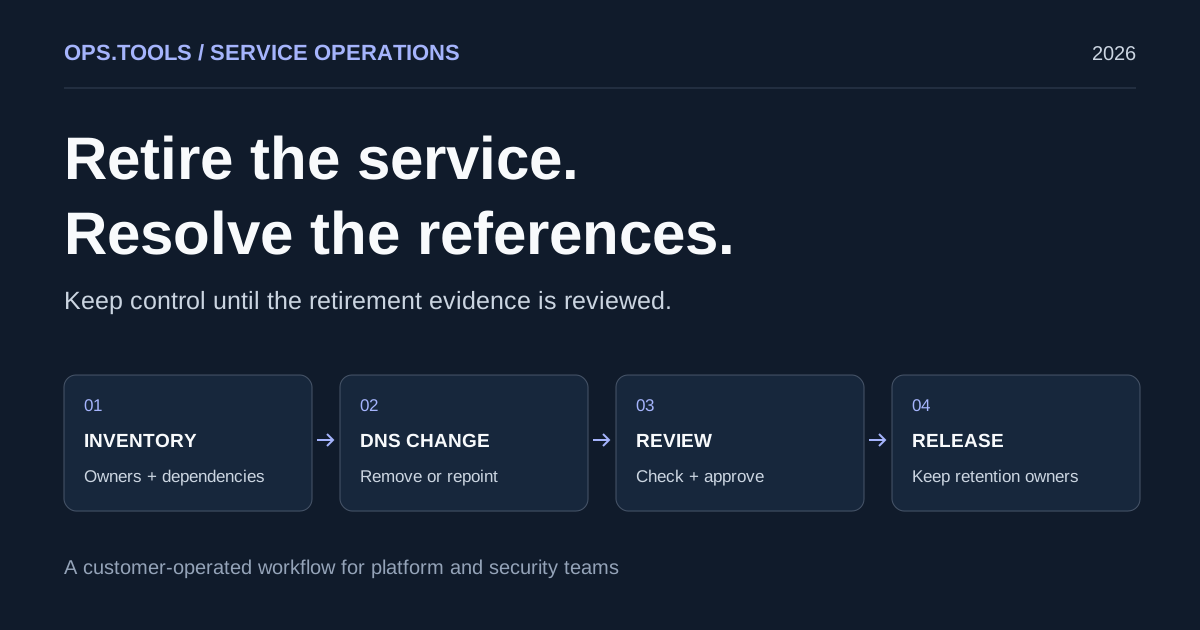
Dangling DNS Cleanup: A Safe Service Retirement Workflow
Retire services safely with dangling DNS cleanup, bulk checks, certificate and domain retention decisions, and a CI approval gate before releasing resources.
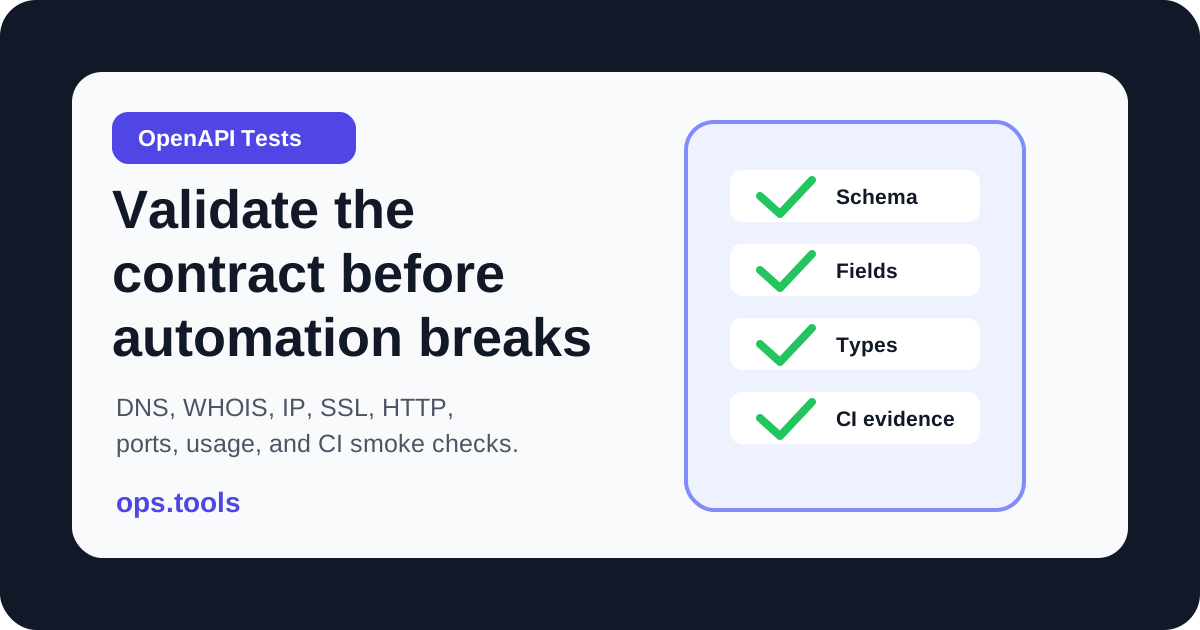
OpenAPI Contract Tests for Infrastructure APIs in 2026
Build OpenAPI contract tests for DNS, WHOIS, IP, SSL, HTTP, port, and usage endpoints so CI catches schema drift before production workflows break.
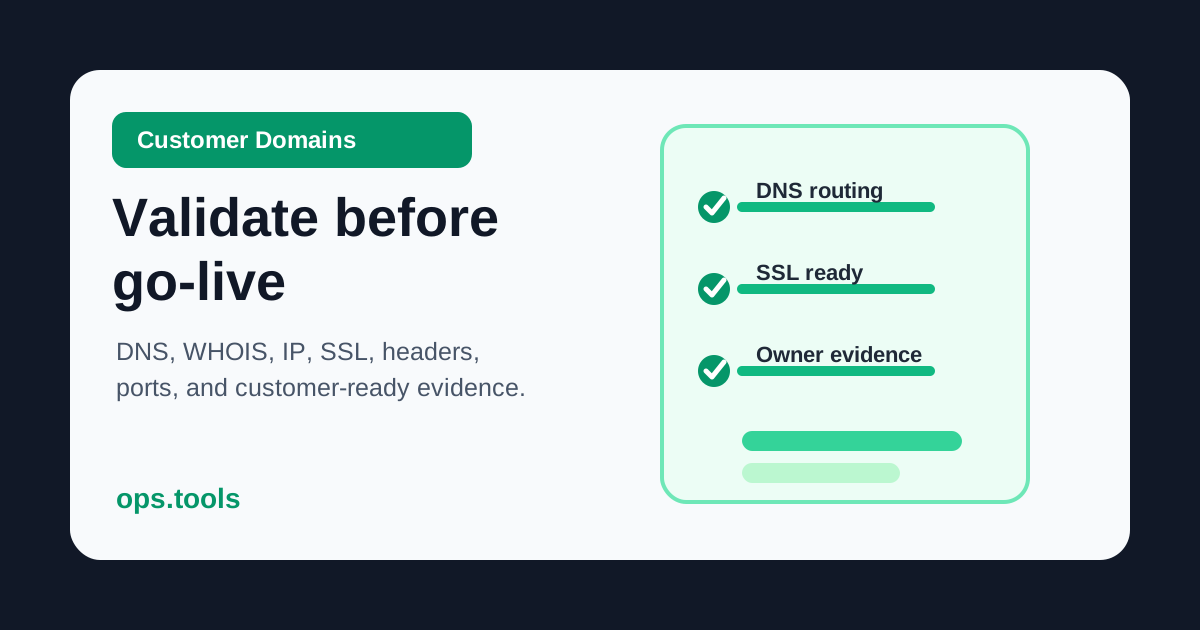
Customer Domain Onboarding Automation in 2026: Validate DNS, SSL, IP, and WHOIS Before Go-Live
Build a customer-domain readiness gate with DNS ownership checks, WHOIS context, IP ownership, SSL validation, headers, scoped ports, bulk runs, and webhook routing.