How to Automate Third-Party Domain Due Diligence in 2026
Vendor intake often dies in a gap between teams. Procurement has the contract. Security has the questions. Platform engineering owns production risk. Nobody wants a live dependency added to DNS, webhooks, SSO, or mail flow without a repeatable domain review.
What Third-Party Domain Due Diligence Should Answer
A vendor domain review is not a generic “is this company real?” exercise. It is a concrete infrastructure question: if we trust this domain in production, what are we trusting? Where does it resolve? Who controls the registration? What network owns the IP space? Is the certificate healthy? What do the response headers say about the web surface we are about to depend on?
The business reason is simple. Third-party domains show up in webhook targets, SSO redirect URIs, status-page dependencies, mail routing, procurement questionnaires, and partner integrations. When the review stays manual, teams burn time, findings are impossible to compare across vendors, and follow-up checks never happen after the initial approval.
The Minimum Check Set
| Check | Why it matters | Common review trigger |
|---|---|---|
| DNS record validation | Confirms whether the domain resolves to expected infrastructure and whether mail or TXT policy records exist when the integration needs them | Unexpected CNAME target, missing MX, or suspicious TXT content |
| WHOIS and registration data | Gives you registrar, expiration, and ownership-adjacent context for business continuity and fraud review | Short renewal runway, registrar change, or missing parsed fields |
| IP ownership and ASN context | Shows whether the resolved address belongs to a provider and region the vendor says it uses | Unexpected country or organization mismatch |
| SSL certificate status | Surfaces renewal risk, self-signed certs, and weak certificate hygiene before launch day | Low days remaining, invalid chain, or self-signed certificate |
| HTTP response header analysis | Adds security and caching context for web-based integrations such as portals, callbacks, and status endpoints | Weak header posture or missing transport protections |
A Workflow That Works Across Procurement, Security, and Platform
The clean version of this process is a queue, not an inbox. Every new vendor or partner domain goes into the same intake object with owner, business purpose, environment, and go-live date. That lets security score the risk, procurement keep evidence with the review, and platform teams decide whether the domain should later be promoted into monitoring or deployment guardrails.
- Normalize the asset list. Capture the apex domain, the exact subdomain or callback URL, whether email routing is involved, and the owner inside your company.
- Run the checks in bulk. Query DNS, WHOIS, IP, SSL, and HTTP analysis for every domain in the intake batch. Cache shared results where several URLs roll up to the same hostname.
- Score against policy. Separate hard blocks from manual-review cases. An expired certificate and a clearly wrong ASN deserve different handling.
- Route findings. Send the summary into your ticket or chat workflow through webhook-based automation, and attach raw evidence for technical follow-up.
- Promote approved domains. If the vendor becomes production-critical, add it to ongoing expiration, SSL, or header checks instead of treating the initial review as the end of the story.
What Should Live in the Intake Record
The intake object should be rich enough that reviewers do not have to reconstruct context from chat or email. The more fields you standardize up front, the easier it is to batch reviews, compare outcomes across vendors, and move approved domains into recurring monitoring without another migration step.
| Field | Why capture it | Example |
|---|---|---|
| Business purpose | Sets the bar for which checks must pass before approval | Webhook receiver, SSO redirect, mail domain, customer portal |
| Internal owner | Prevents unresolved findings from floating between teams | Security, procurement, platform engineering, app owner |
| Environment | Helps reviewers separate production blockers from sandbox notes | Sandbox, staging, production |
| Recheck cadence | Lets approved domains roll straight into recurring controls | Monthly, weekly, renewal-only, certificate-only |
Technical Implementation
Ops.Tools currently documents the exact request shapes needed for this workflow in its public API reference. That makes it straightforward to build one review runner that handles record validation, registration intelligence, network context, certificate state, and header posture without switching auth or data contracts.
cURL: review one vendor domain
API="https://ops.tools/api"
KEY="$OPS_TOOLS_API_KEY"
DOMAIN="vendor-example.com"

curl -s "$API/v1-dns-lookup?address=$DOMAIN&type=A" \
  -H "Authorization: Bearer $KEY"

curl -s "$API/v1-dns-lookup?address=$DOMAIN&type=MX" \
  -H "Authorization: Bearer $KEY"

curl -s "$API/v1-whois-data?domain=$DOMAIN&parseWhoisToJson=true" \
  -H "Authorization: Bearer $KEY"

curl -s "$API/v1-ssl-checker?domain=$DOMAIN" \
  -H "Authorization: Bearer $KEY"

curl -s "$API/v1-analyze-http?url=https://$DOMAIN" \
  -H "Authorization: Bearer $KEY"
TypeScript: batch scoring for the intake queue
type ReviewStatus = 'pass' | 'review' | 'block';

interface IntakeDomain {
  vendor: string;
  domain: string;
  requiredMailFlow?: boolean;
}

interface ReviewResult {
  vendor: string;
  domain: string;
  status: ReviewStatus;
  reasons: string[];
}

const API = 'https://ops.tools/api';
const headers = { Authorization: `Bearer ${process.env.OPS_TOOLS_API_KEY}` };

async function getJson<T>(path: string): Promise<T> {
  const response = await fetch(`${API}${path}`, { headers });
  if (!response.ok) throw new Error(`Domain review failed: ${response.status}`);
  return response.json() as Promise<T>;
}

async function reviewDomain(item: IntakeDomain): Promise<ReviewResult> {
  const reasons: string[] = [];

  const dns = await getJson<{ records?: string[] }>(`/v1-dns-lookup?address=${item.domain}&type=MX`);
  const whois = await getJson<{ whoisJson?: { registrar?: string; expiryDate?: string } }>(
    `/v1-whois-data?domain=${item.domain}&parseWhoisToJson=true`,
  );
  const ssl = await getJson<{ certificate?: { isValid?: boolean; isSelfSigned?: boolean; daysRemaining?: number } }>(
    `/v1-ssl-checker?domain=${item.domain}`,
  );

  if (item.requiredMailFlow && (dns.records?.length ?? 0) === 0) reasons.push('Missing MX records');
  if (ssl.certificate?.isValid === false) reasons.push('Invalid certificate');
  if (ssl.certificate?.isSelfSigned) reasons.push('Self-signed certificate');
  if ((ssl.certificate?.daysRemaining ?? 999) < 30) reasons.push('Short certificate runway');
  if (!whois.whoisJson?.registrar) reasons.push('Missing parsed registrar data');

  return {
    vendor: item.vendor,
    domain: item.domain,
    status: reasons.some((reason) => reason === 'Invalid certificate') ? 'block' : reasons.length > 0 ? 'review' : 'pass',
    reasons,
  };
}
Use a Clear Decision Matrix
| Status | Examples | Action |
|---|---|---|
| Pass | DNS resolves as expected, registrar data parses cleanly, certificate is valid, headers are acceptable | Attach evidence to the intake record and approve |
| Review | Missing MX for a mail flow, short renewal runway, unexpected ASN, or weak header posture | Route to the owning reviewer with context and due date |
| Block | Invalid certificate, clearly mismatched infrastructure, or evidence that the destination should not be trusted | Stop the onboarding path until the vendor resolves the issue |
Bulk Processing and Webhook Routing
One vendor review is easy. Twenty reviews arriving with an audit deadline is where the process breaks. The current ops.tools pricing table lists both bulk validation and webhook notifications on the paid tiers, which makes the shape of the workflow clear even if you choose to run the actual routing through your own automation layer.
Keep the language precise in your runbooks. If a finding ends up in Slack, Jira, PagerDuty, or another system through your own HTTP receiver, describe that as webhook-based routing. Do not write as if the product has a native integration unless you have verified it. The workflow is still strong: batch the checks, emit a normalized summary, and send the payload to the queue your reviewers already live in.
What Not to Automate Blindly
Automation should compress repetitive review work, not erase judgment. High-impact vendors, domains tied to customer-facing login, or third parties that terminate business-critical traffic still deserve a human review even if the automated checks pass cleanly. The script can tell you the certificate is valid. It cannot decide whether the business use is acceptable for your trust model.
The same rule applies to scope. If the intake is for one redirect hostname, do not silently widen the review to unrelated assets. Keep the check set tight, document what was reviewed, and escalate when the integration requires a broader assessment.
Turn Approved Domains Into Ongoing Controls
This is where due diligence becomes operations instead of paperwork. Once a vendor domain is approved and tied to a production integration, add it to a small ongoing inventory. That gives you a practical third-party domain portfolio with renewal dates, certificate runway, and ownership context. Critical domains can then move into scheduled checks alongside your first-party assets.
If the approved domain later appears in deployment configuration, webhook destinations, or customer-facing redirects, link it to your release workflow. That does not mean every third-party domain belongs inside CI/CD. It means the production-critical ones should have the same guardrails you expect for your own external dependencies.
Why This Also Helps Renewals and Incident Response
Third-party domain due diligence has a habit of paying off later. The WHOIS and certificate evidence you store during intake becomes useful again when a renewal window gets tight, when a vendor changes hosting, or when an incident ticket suddenly includes one of the domains your business already trusted. Instead of rebuilding the picture from scratch, responders start with a known-good baseline and an owner.
That is also why it is worth keeping vendor domains in a small portfolio after approval. The domain may not be yours, but its availability can still break your service. If a callback hostname expires, a certificate drifts, or the infrastructure unexpectedly moves, the operations problem lands on your team either way.
Ownership, Evidence Retention, and Re-Review Cadence
Every approved domain should have an owner, a last-reviewed date, and a trigger for re-review. A practical pattern is to store the normalized summary in the intake system and archive the raw API response with it. That gives non-technical stakeholders a clean answer while preserving the evidence security or platform teams need later.
Re-review cadence should follow business impact. A webhook endpoint moving production events deserves a much shorter cycle than a low-risk informational microsite. That simple distinction keeps your monitoring queue from drowning in low-value noise.
Escalation Rules Worth Writing Down
Escalation gets messy when every reviewer makes up their own thresholds. Write the defaults down. If a certificate has less than 30 days remaining, does the intake pause automatically or only for production use? If WHOIS parsing fails, is that a review case or a block? If the resolved ASN does not match the vendor’s stated hosting footprint, who owns the follow-up? The answers do not need to be perfect on day one. They just need to be consistent enough that the same domain gets the same treatment no matter who is on call.
Useful Questions Reviewers Usually Ask Late
Should we review domains we do not own?
Yes, when those domains become part of your production trust boundary. Vendor-hosted callback URLs, branded portals, SSO endpoints, status pages, and mail destinations are good examples.
How often should we re-check approved domains?
Match the cadence to business criticality. High-impact vendors can move into weekly or daily expiration, DNS, and certificate checks. Lower-risk vendors may only need a monthly review or a pre-renewal pass.
Where does incident response fit?
The same review runner helps when an approved vendor domain shows up in an alert, outage, or phishing report. Good intake automation becomes reusable investigation infrastructure.
If you want adjacent patterns after the intake workflow is in place, connect it to domain portfolio automation, security alert enrichment, and release validation. Those are different workflows, but they reuse the same evidence streams.
Move Vendor Domain Reviews Out of Chat Threads
One API-driven intake run gives procurement, security, and platform teams the same evidence, the same decision rules, and a cleaner handoff to production monitoring.
Related articles
More guides from the same operational area.
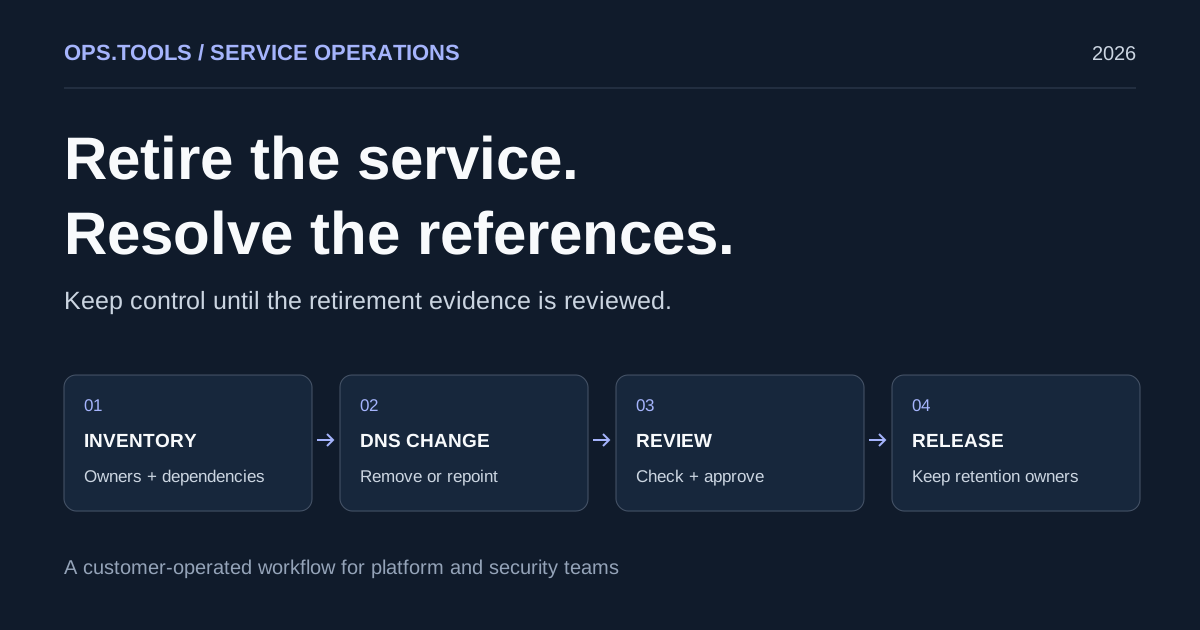
Dangling DNS Cleanup: A Safe Service Retirement Workflow
Retire services safely with dangling DNS cleanup, bulk checks, certificate and domain retention decisions, and a CI approval gate before releasing resources.
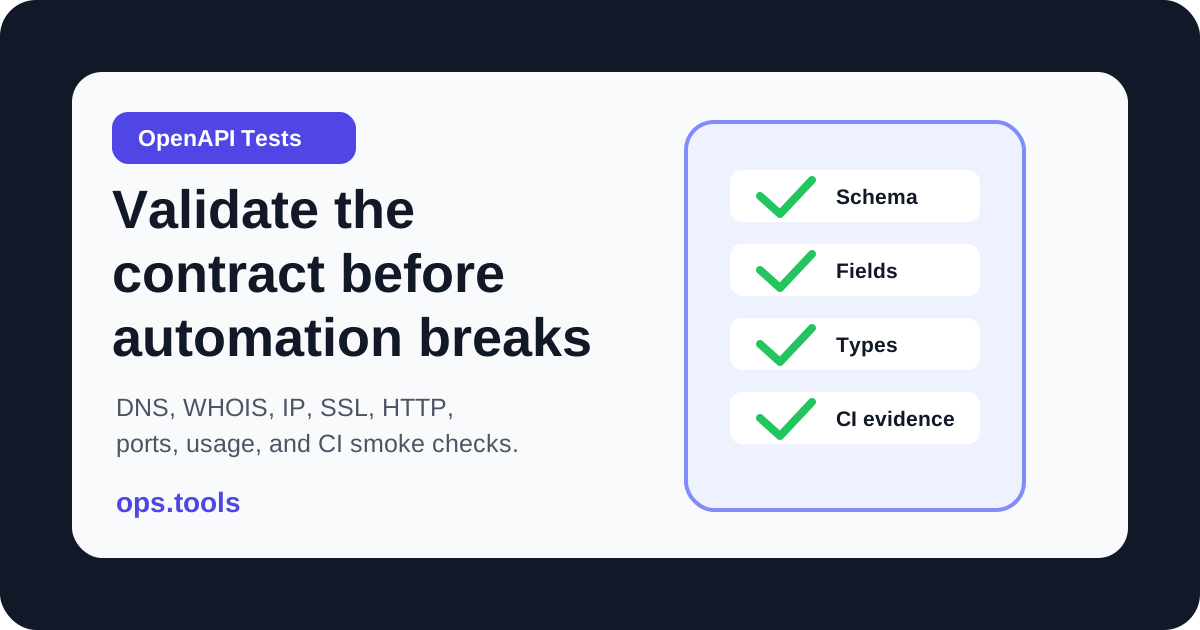
OpenAPI Contract Tests for Infrastructure APIs in 2026
Build OpenAPI contract tests for DNS, WHOIS, IP, SSL, HTTP, port, and usage endpoints so CI catches schema drift before production workflows break.
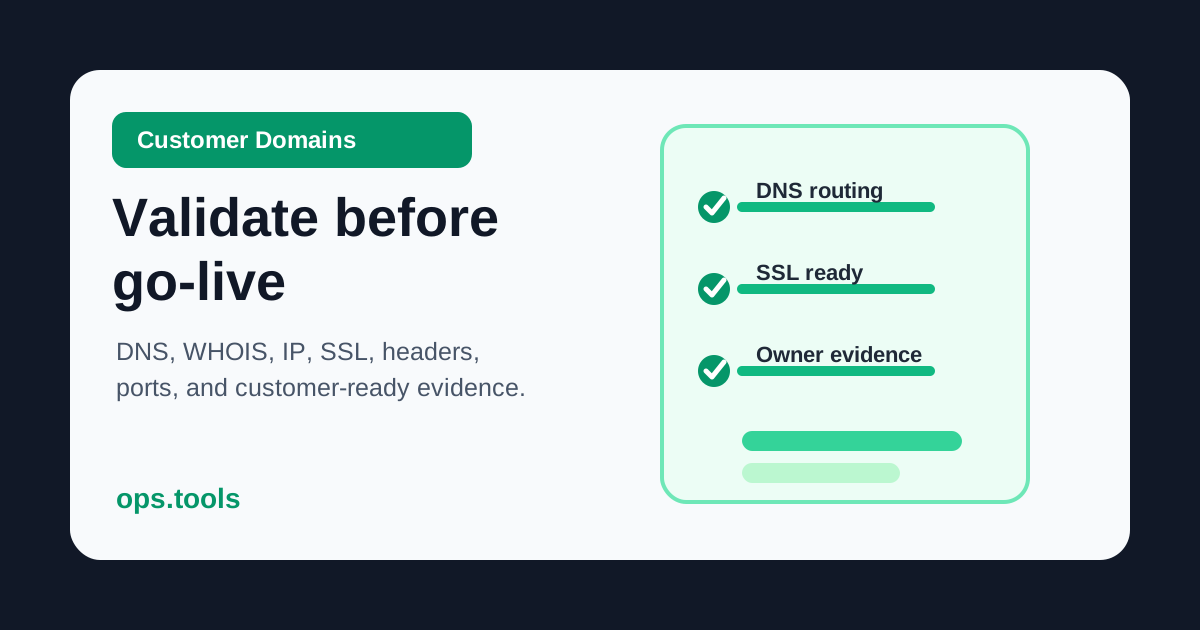
Customer Domain Onboarding Automation in 2026: Validate DNS, SSL, IP, and WHOIS Before Go-Live
Build a customer-domain readiness gate with DNS ownership checks, WHOIS context, IP ownership, SSL validation, headers, scoped ports, bulk runs, and webhook routing.