Email Authentication Drift Monitoring in 2026: SPF, DKIM, and DMARC at Scale
SPF, DKIM, and DMARC rarely fail because one person deletes a record on purpose. They drift when vendors change, domains multiply, teams inherit old DNS, and nobody owns the evidence loop.
Email authentication controls live in DNS, but the operational owners are scattered. Security cares about spoofing resistance. Marketing owns sending platforms. IT owns identity mail. Platform teams own DNS workflows. Domain operations owns renewals and registrars. When a record changes, the blast radius can sit quietly until a campaign fails, a phishing review escalates, or a receiver starts treating mail differently.
A better model is drift monitoring. Keep a manifest of domains, sending subdomains, DKIM selectors, vendors, and owners. Query DNS TXT records on a schedule and during release workflows. Attach WHOIS and domain expiration context when ownership matters. Route only useful exceptions to the team that can fix them.
What Is Email Authentication Drift?
Drift is any gap between the record state you expect and the record state that public DNS returns. An SPF record may lose a vendor include. A DMARC policy may remain at p=none long after enforcement was planned. A DKIM selector may disappear after a provider migration. A newly acquired domain may have no authentication record at all.
Drift monitoring is not the same as a one-time checker. A checker answers "what does this domain say right now?" Monitoring answers "what changed, who owns it, and should this block a release, open a ticket, or become part of an audit trail?"
Verified Ops.Tools Surface for This Workflow
Ops.Tools has a live email authentication page for SPF, DKIM, and DMARC checks. For API automation, the public OpenAPI document verifies the general DNS lookup endpoint and its TXT record type. That is the path used in the examples below. The same API surface also verifies WHOIS data for domain registration context, SSL checks for related web properties, and usage reporting endpoints for adoption tracking.
This article deliberately does not claim a separate native email-authentication API endpoint because the public OpenAPI document should be the implementation contract. Use DNS TXT queries for automation, and use the product page or UI when a human-friendly check is the right tool.
Why This Matters Beyond Deliverability
SPF, DKIM, and DMARC are usually discussed as mail deliverability controls, but the operational risk is wider. Weak or stale records can make spoofing investigations harder, slow down brand-protection response, and leave acquired domains in a half-owned state. A missing DKIM selector can break a transactional email cutover. A relaxed DMARC posture may be intentional during rollout, but it becomes a governance problem when nobody knows why it is still there six months later.
Drift monitoring gives security and operations a shared language. The security team can define control expectations. Domain operations can map each domain to an owner. Platform or IT can wire checks into change management. Marketing and lifecycle teams can see which sending platforms are approved. The output is not "DNS is wrong"; it is "this domain's DMARC policy is weaker than the manifest, the owner is Growth, and the expected remediation is to move from monitoring to enforcement after vendor alignment."
That wording matters. It keeps the workflow from becoming another noisy scanner. The goal is to turn DNS evidence into a decision: allow the release, block the vendor cutover, open a remediation ticket, update the manifest, or accept the risk with an expiry date.
Step-by-Step Drift Monitoring Workflow
- Build the manifest. List every sending domain and subdomain, business owner, DNS owner, mail vendor, expected SPF include, DMARC target policy, DKIM selectors, and criticality.
- Check SPF through DNS TXT. Query the root or sending subdomain and look for a single
v=spf1record. Flag missing records, duplicate SPF records, unauthorized vendor includes, and unexpected policy endings. - Check DMARC at the policy host. Query
_dmarc.example.comand compare the result with your expected policy, reporting addresses, and enforcement plan. - Check DKIM selectors from the manifest. Query
selector._domainkey.example.comfor each known selector. Missing selectors matter during provider onboarding and offboarding. - Add domain ownership context. WHOIS data helps security and operations understand expiry, registrar, and nameserver context when drift appears on a domain nobody remembers owning.
- Run before releases and on a schedule. Use CI/CD checks for mail vendor changes and a scheduled job for portfolio drift. Keep the same output shape for both.
- Route evidence, not noise. Send only owner-ready findings into tickets, webhooks, SIEM enrichment, or spreadsheets. Label those as custom automation unless the vendor documents a native destination.
Manifest Fields That Make Bulk Checks Useful
Bulk email-authentication checks fail when every domain is treated the same. A parked defensive registration, a production sending domain, a transactional email subdomain, and an acquired brand domain should not produce identical alerts. Put that context in the manifest so automation can make better routing decisions.
| Manifest field | Why it matters |
|---|---|
| Domain and sending subdomain | Keeps root-domain and vendor-specific checks separate |
| Business and DNS owner | Routes findings to a team that can change records |
| Approved sending vendor | Explains expected SPF includes and DKIM selectors |
| Expected DMARC policy | Turns policy drift into a clear pass or review item |
| Lifecycle state | Distinguishes production, parked, migrating, and retired domains |
Control Matrix
| Signal | API check | Operational action |
|---|---|---|
| SPF missing or duplicated | TXT lookup on sending domain | Route to DNS owner and mail platform owner |
| DMARC policy weaker than expected | TXT lookup on _dmarc host | Review enforcement plan with security |
| DKIM selector missing | TXT lookup on selector host | Block vendor cutover or investigate offboarding |
| Unknown domain owner | WHOIS data and nameserver review | Assign ownership before opening remediation work |
| Related web endpoint has TLS risk | SSL certificate check on web host | Escalate to platform owner with renewal evidence |
Technical Implementation
Start with direct DNS TXT checks. The examples use the verified /v1-dns-lookup endpoint with an API key in the x-api-key header. Replace the domains and selectors with values from your manifest.
Check SPF
curl -sG "https://api.ops.tools/v1-dns-lookup" -H "x-api-key: $OPS_TOOLS_API_KEY" --data-urlencode "address=example.com" --data-urlencode "type=TXT"Check DMARC
curl -sG "https://api.ops.tools/v1-dns-lookup" -H "x-api-key: $OPS_TOOLS_API_KEY" --data-urlencode "address=_dmarc.example.com" --data-urlencode "type=TXT"Check a Known DKIM Selector
curl -sG "https://api.ops.tools/v1-dns-lookup" -H "x-api-key: $OPS_TOOLS_API_KEY" --data-urlencode "address=selector1._domainkey.example.com" --data-urlencode "type=TXT"Run a Manifest-Based Check in TypeScript
type DomainManifest = {
  domain: string;
  owner: string;
  expectedSpfIncludes: string[];
  expectedDmarcPolicy: 'none' | 'quarantine' | 'reject';
  dkimSelectors: string[];
};

const apiBase = 'https://api.ops.tools';

async function txtLookup(address: string) {
  const url = new URL('/v1-dns-lookup', apiBase);
  url.searchParams.set('address', address);
  url.searchParams.set('type', 'TXT');

  const response = await fetch(url, {
    headers: { 'x-api-key': process.env.OPS_TOOLS_API_KEY ?? '' },
  });

  if (!response.ok) {
    throw new Error(`TXT lookup failed for ${address}: ${response.status}`);
  }

  return response.json();
}

export async function checkEmailAuthDrift(item: DomainManifest) {
  const dmarcHost = '_dmarc.' + item.domain;
  const dkimHosts = item.dkimSelectors.map((selector) => selector + '._domainkey.' + item.domain);

  const [spf, dmarc, ...dkim] = await Promise.all([
    txtLookup(item.domain),
    txtLookup(dmarcHost),
    ...dkimHosts.map(txtLookup),
  ]);

  return {
    domain: item.domain,
    owner: item.owner,
    checkedAt: new Date().toISOString(),
    expected: {
      spfIncludes: item.expectedSpfIncludes,
      dmarcPolicy: item.expectedDmarcPolicy,
      dkimSelectors: item.dkimSelectors,
    },
    observed: { spf, dmarc, dkim },
  };
}
Use CI/CD as a Release Gate
For a mail vendor change, add a custom pipeline job that runs the manifest check before merge or deployment. This is a CI/CD workflow that calls the API; it is not a native GitHub, GitLab, or Bitbucket integration.
name: email-auth-drift

on:
  pull_request:
    paths:
      - "domain-manifest/**"

jobs:
  verify-email-auth:
    runs-on: ubuntu-latest
    steps:
      - uses: actions/checkout@v4
      - uses: actions/setup-node@v4
        with:
          node-version: 22
      - run: npm ci
      - run: npm run check:email-auth
        env:
          OPS_TOOLS_API_KEY: ${{ secrets.OPS_TOOLS_API_KEY }}
How to Reduce Noise in Bulk Runs
Bulk processing only helps when it preserves ownership. Group checks by domain owner, mail vendor, and business criticality. Suppress expected gaps for parked domains only if the manifest says they are parked. Keep a separate severity for "unknown owner" because those findings are governance work, not DNS work.
The best output is not a giant failure list. It is a small set of owner-ready exceptions: which record changed, what value was expected, what value was observed, which system likely introduced the change, and what action should happen next. Save raw JSON for audit evidence, but write the ticket in human language.
Where This Fits in a Broader Domain Program
Email authentication drift belongs beside other domain operations checks. Pair it with domain expiration tracking so sending domains are not abandoned. Use the DNS and SSL CI/CD workflow when release changes affect production routing. For larger portfolios, the domain portfolio automation guide shows how to turn recurring checks into a governance loop.
FAQ
Can an API discover every DKIM selector automatically?
Do not assume that. Public DNS can answer for a selector once you ask for it, but teams should keep a selector manifest from their mail vendors, identity providers, marketing tools, and transactional email systems unless a product explicitly documents selector discovery.
Is webhook alerting the same as a native SIEM integration?
No. A webhook can send alert-ready evidence into customer-owned automation. Native SIEM, ticketing, and chat integrations should only be claimed when a vendor documents those exact destinations.
How often should SPF, DKIM, and DMARC checks run?
Run them before and after mail vendor changes, DNS provider migrations, domain launches, and acquisition onboarding. For critical sending domains, daily or weekly checks are common starting points, with cadence adjusted to risk and request volume.
Monitor Email Authentication Drift with DNS Evidence
Use DNS TXT checks, domain ownership context, and bulk-friendly automation to catch SPF, DKIM, and DMARC drift before it becomes a security or deliverability problem.
Related articles
More guides from the same operational area.
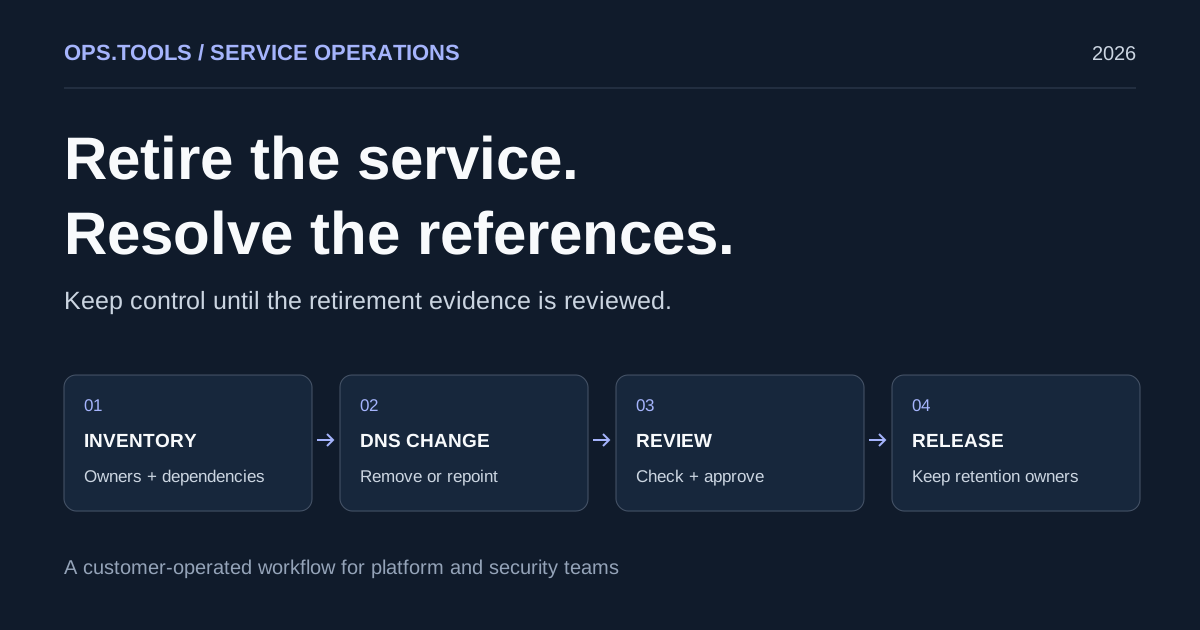
Dangling DNS Cleanup: A Safe Service Retirement Workflow
Retire services safely with dangling DNS cleanup, bulk checks, certificate and domain retention decisions, and a CI approval gate before releasing resources.
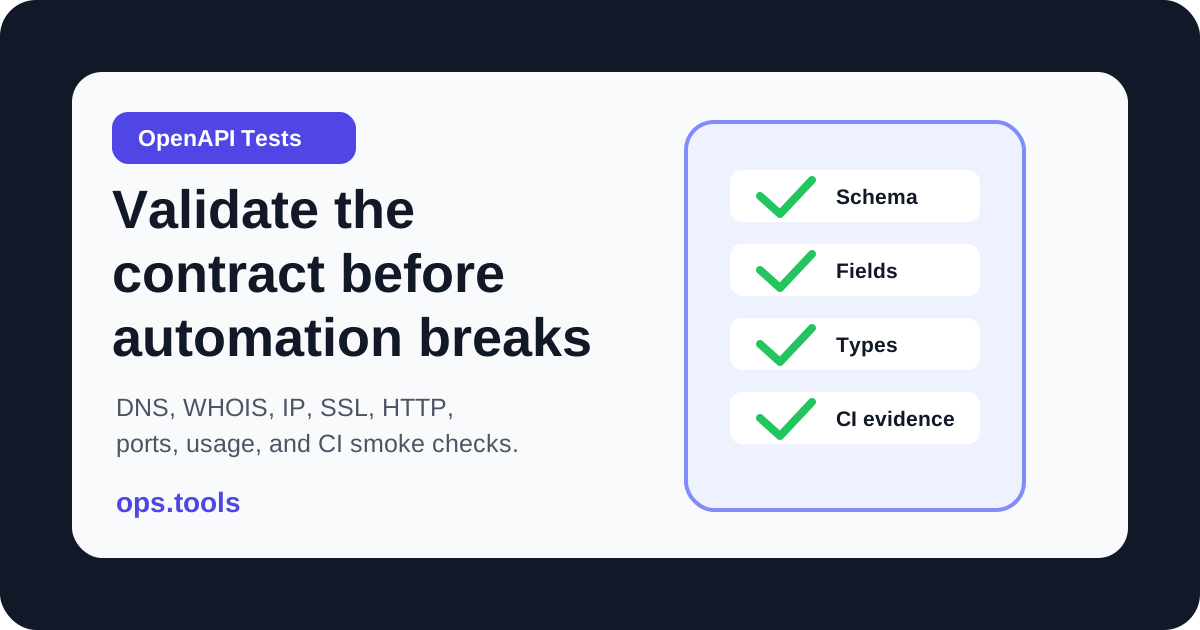
OpenAPI Contract Tests for Infrastructure APIs in 2026
Build OpenAPI contract tests for DNS, WHOIS, IP, SSL, HTTP, port, and usage endpoints so CI catches schema drift before production workflows break.
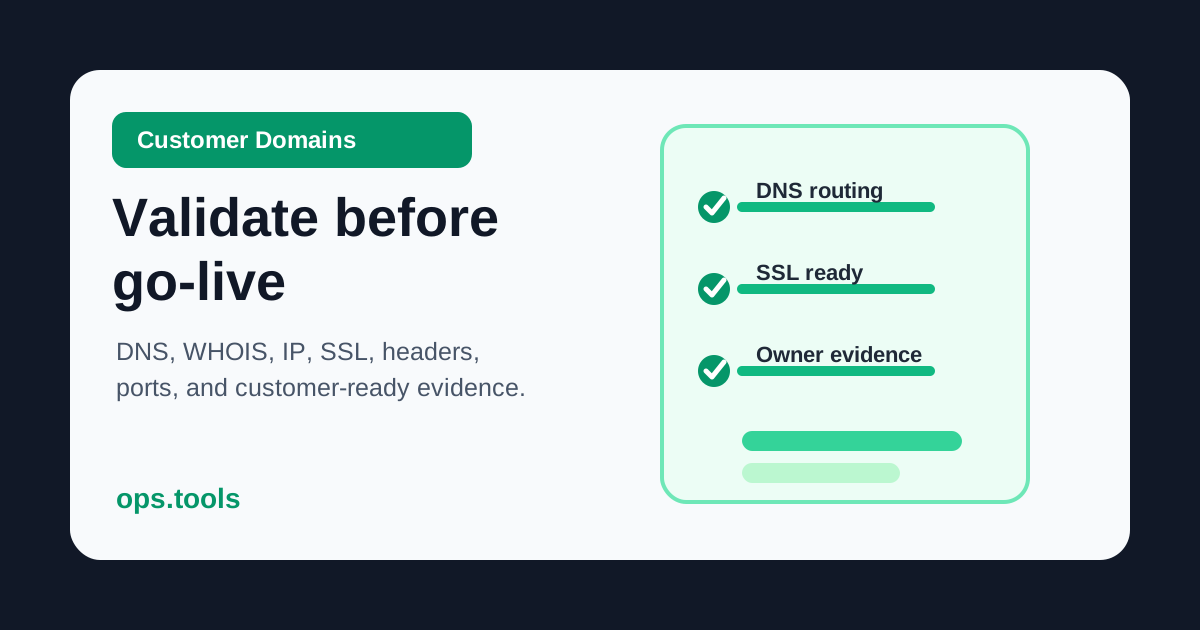
Customer Domain Onboarding Automation in 2026: Validate DNS, SSL, IP, and WHOIS Before Go-Live
Build a customer-domain readiness gate with DNS ownership checks, WHOIS context, IP ownership, SSL validation, headers, scoped ports, bulk runs, and webhook routing.