DNS Migration Checklist for Production Teams in 2026: Validate DNS, SSL, IP, and Headers Before Cutover
Production DNS changes fail for boring reasons: the target record is right but the certificate is not, the hostname resolves where you expected but the edge headers are wrong, or the domain itself is too close to expiry for a risky change window. A clean cutover runbook catches those mistakes before users do.
Why a DNS Migration Needs More Than a Resolver Check
A cutover is not just a record edit. The change usually touches routing, certificate automation, CDN policy, cache headers, or the origin infrastructure sitting behind the new hostname. That means the validation set has to cover more than “does the record exist?”
Production teams also need evidence. A good change review can answer three practical questions fast: what the environment looked like before the move, what the target looked like before traffic moved, and what the hostname looked like after the flip. If you cannot answer those three questions with timestamps, every rollback becomes slower and every postmortem gets noisier.
The Pre-Cutover Validation Set
| Check | Why it matters | Block condition |
|---|---|---|
| DNS record validation | Confirms the hostname points to the intended target before the change window | Wrong A, AAAA, CNAME, MX, or NS value for the migration plan |
| WHOIS and renewal context | Ensures the domain is owned by the right team and has enough expiry runway | Unexpected registrar context or a domain near expiration |
| IP and ASN ownership | Verifies the new target resolves into the expected network and provider context | Resolved IP lands in the wrong organization or ASN |
| SSL certificate validation | Prevents cutovers to invalid, expired, or self-signed endpoints | Invalid chain, self-signed cert, or unsafe expiry runway |
| HTTP header analysis | Catches redirect loops, missing transport policy, and edge misconfiguration | Broken redirect path or clearly wrong security/performance posture |
A Production Cutover Runbook You Can Reuse
- Freeze the host manifest. List every apex domain, subdomain, redirect target, callback hostname, and API endpoint that will change. The manifest is the contract for the whole runbook.
- Capture a baseline. Run DNS, WHOIS, SSL, HTTP header, and IP checks against the current production state before touching records. Save the result with a timestamp so rollback has something solid to compare against.
- Validate the destination first. Point test hostnames or staging aliases at the new target, then run the same checks there. If the certificate or headers are broken before the cutover, that is a deployment problem, not a DNS problem.
- Lower blast radius. If your DNS provider and change window allow it, reduce TTL in advance, confirm rollback records exist, and make sure on-call ownership is explicit before traffic moves.
- Run the batch preflight right before the cutover. Re-check the manifest to make sure nothing drifted between prep and execution.
- Flip traffic. Apply the DNS change, then rerun the exact validation set against the same manifest so the before and after outputs are comparable.
- Escalate only real failures. Hard blocks should page the owner. Warnings should open a ticket with evidence rather than creating noisy cutover chatter.
- Archive the evidence. The same output helps post-cutover review, customer communication, and later audit work.
What the Baseline Should Capture
The baseline should be boringly complete. At minimum, keep the current DNS answer, the registrar and expiry context for the domain, the current resolved IP and organization, the live certificate status, and the HTTP response summary. If the migration involves API gateways, callback hosts, or customer-facing status pages, add those hostnames to the manifest too. Teams usually regret the hostname they forgot more than the hostname they checked twice.
WHOIS deserves a place in that baseline even though it is not a routing check. Ownership and expiry runway affect how safely a team can execute the change and how much rollback authority it really has. A domain that is close to expiry, registered through an unexpected registrar, or managed outside the normal platform workflow is a governance risk during the same week you are changing traffic.
The baseline also makes the post-cutover conversation faster. If a hostname starts resolving to the right place but the certificate issuer changes, or if the redirect policy no longer matches the old edge, you can show the exact before and after state instead of re-litigating what “used to work” means in the middle of an incident channel.
Technical Implementation: API Checks for the Cutover Window
The public API reference documents the exact endpoint paths and query parameters, so the safest implementation is to mirror those names directly in the runbook. Start by validating the hostname you are about to move:
curl -G "https://api.ops.tools/v1-dns-lookup" \
  -H "x-api-key: $OPS_TOOLS_API_KEY" \
  --data-urlencode "address=app.example.com" \
  --data-urlencode "type=CNAME"

curl -G "https://api.ops.tools/v1-whois-data" \
  -H "x-api-key: $OPS_TOOLS_API_KEY" \
  --data-urlencode "domain=example.com" \
  --data-urlencode "parseWhoisToJson=true"
Then check the destination endpoint itself. For an HTTPS hostname, that means certificate state and header posture before any user traffic moves:
curl -G "https://api.ops.tools/v1-ssl-checker" \
  -H "x-api-key: $OPS_TOOLS_API_KEY" \
  --data-urlencode "domain=app.example.com"

curl -G "https://api.ops.tools/v1-analyze-http" \
  -H "x-api-key: $OPS_TOOLS_API_KEY" \
  --data-urlencode "url=https://app.example.com"
For IP ownership and ASN sanity checks, resolve the destination first and then inspect the resulting IP:
curl -G "https://api.ops.tools/v1-get-ip-details" \
  -H "x-api-key: $OPS_TOOLS_API_KEY" \
  --data-urlencode "ip=203.0.113.10"
A reusable TypeScript runner makes the cutover easier to repeat across multiple hostnames. This version keeps the manifest explicit, pulls the five checks, and returns a compact result that can be written to a ticket or change record:
const API = "https://api.ops.tools";
const headers = { "x-api-key": process.env.OPS_TOOLS_API_KEY ?? "" };
const manifest = ["app.example.com", "api.example.com", "status.example.com"];

async function getJson<T>(path: string) {
  const response = await fetch(`${API}${path}`, { headers });
  if (!response.ok) throw new Error(`${response.status} ${response.statusText}`);
  return (await response.json()) as T;
}

async function validateHost(host: string) {
  const dns = await getJson<{ records?: string[] }>(
    `/v1-dns-lookup?address=${encodeURIComponent(host)}&type=A`,
  );
  const resolvedIp = dns.records?.[0];
  const ip = resolvedIp
    ? await getJson<{ organization?: string; asn?: number; countryCode?: string }>(
        `/v1-get-ip-details?ip=${encodeURIComponent(resolvedIp)}`,
      )
    : null;
  const ssl = await getJson<{ certificate?: { isValid?: boolean; daysRemaining?: number; issuer?: string } }>(
    `/v1-ssl-checker?domain=${encodeURIComponent(host)}`,
  );
  const http = await getJson<{ summary?: { overallGrade?: string; keyRecommendations?: string[] } }>(
    `/v1-analyze-http?url=${encodeURIComponent(`https://${host}`)}`,
  );

  return {
    host,
    resolvedIp,
    organization: ip?.organization,
    asn: ip?.asn,
    countryCode: ip?.countryCode,
    sslValid: ssl.certificate?.isValid,
    daysRemaining: ssl.certificate?.daysRemaining,
    issuer: ssl.certificate?.issuer,
    headerGrade: http.summary?.overallGrade,
    recommendations: http.summary?.keyRecommendations ?? [],
  };
}

const results = await Promise.all(manifest.map(validateHost));
console.table(results);
Use the Same Manifest for Preflight and Post-Cutover
Reuse matters here. If the preflight manifest and the post-cutover manifest drift, your evidence gets fuzzy immediately. The safest setup is one source of truth checked into the repo or attached to the change request, with the same validation runner called before the move, during the window, and again after the change settles.
This is also where bulk processing becomes practical instead of theoretical. Even a modest cutover might touch an apex domain, several subdomains, one or two API hosts, a status page, and a webhook callback endpoint. The value of API-driven validation is not that you can check one hostname quickly. It is that you can rerun the full host list without rebuilding the runbook each time the change window slips or the rollback plan changes.
How to Judge the Output During a Change Window
| Signal | Action | Why |
|---|---|---|
| Wrong DNS target | Block the cutover | The change is not pointed where the runbook says it should go |
| Invalid or self-signed certificate | Block the cutover | Users and automation will fail immediately after traffic moves |
| Unexpected ASN or organization | Escalate before continuing | The target may be pointed at the wrong edge or provider |
| Poor header grade or redirect issue | Warn or block based on policy | Some issues are acceptable debt, others indicate a broken edge path |
| Near-term domain expiry | Warn and assign ownership | Do not let a successful cutover create a renewal fire drill next month |
The First Hour After the Traffic Flip
The post-cutover watch window is where teams often stop too early. Once the hostname resolves correctly, it is tempting to declare victory. In practice, the first hour after the change is when certificate mismatches, redirect surprises, or the wrong edge configuration often show up. That is why the post-cutover rerun should focus on certificate validity, header posture, and resolved IP ownership in addition to the DNS answer itself.
If you already have a generic monitoring loop, feed the cutover manifest into it right away. If you do not, store the results in the change ticket and set a short follow-up timer so the owning team confirms the state again after caches and edge layers settle. The goal is not endless polling. The goal is one disciplined handoff from change execution into normal monitoring ownership.
Where Production Teams Most Often Skip a Critical Check
The common miss is not technical complexity. It is the boundary between teams. DNS is often owned in one system, certificates in another, the CDN in a third, and the domain registration record somewhere legal or finance touches only during renewals. A clean migration checklist has to bridge those boundaries because users see one hostname, not four internal ownership maps.
That is why the checklist should explicitly name the owner for each failure mode. Platform engineering might own the target record, security might own header policy, and a domain operations or legal contact might own the renewal path. If the runbook only says “fix before cutover,” the cutover will stall while the team figures out who actually has the authority to make the fix.
The practical outcome is simple: attach the validation output to the change, annotate every hostname with an owner, and make the escalation path obvious before the window starts. That small amount of process usually saves more time than any extra resolver check you could add during the migration itself.
Teams that treat ownership mapping as paperwork usually learn the same lesson the hard way during rollback. If the record owner, certificate owner, and application owner are not named before the traffic flip, the rollback path is slower than it should be.
Where This Fits in a Larger Release Process
This checklist works best as the operational counterpart to your pipeline checks. If you already run preflight validation in CI, keep it. The cutover runbook exists because production traffic moves under real change windows, with real rollback pressure, and sometimes with infrastructure that changed after the build finished.
For that reason, it is worth pairing this checklist with the existing CI/CD domain check guide, the DNS propagation article, and the change evidence pack workflow. Together, those pieces cover the build stage, the change window, and the audit trail after the migration is done.
Frequently Asked Questions
Does this checklist replace DNS propagation testing?
No. This runbook validates current-state DNS, ownership, certificates, IP context, and header posture before and after the cutover. If your change risk depends on resolver-by-resolver propagation, pair this checklist with your normal propagation verification because the public OpenAPI reviewed here documents current-state lookups rather than a dedicated propagation endpoint.
Should WHOIS data block a production cutover?
Usually WHOIS is a warning or governance check, not a hard technical blocker. It becomes a block when the domain is near expiration, the registrar context is wrong for the environment, or the ownership model is unclear enough that a rollback or renewal could fail at the worst moment.
Can I run this in CI/CD as well as during a manual change window?
Yes. The safest pattern is to use the same manifest and the same validation logic in both places. CI/CD can run the preflight against staging or the planned destination, and the cutover runbook can rerun the exact checks during the change window and after traffic flips.
What should immediately stop the migration?
Stop the cutover when the target hostname does not resolve as planned, the SSL check returns invalid or self-signed state, the resolved IP lands in the wrong ASN or organization context, or the target headers show a broken redirect or a clearly wrong application edge. Those issues are harder to explain away than a low-priority warning.
Use documented DNS and SSL checks before the next cutover
Run the preflight against a real host manifest, keep the result in the change ticket, and use the same checks again immediately after traffic flips.
Related articles
More guides from the same operational area.
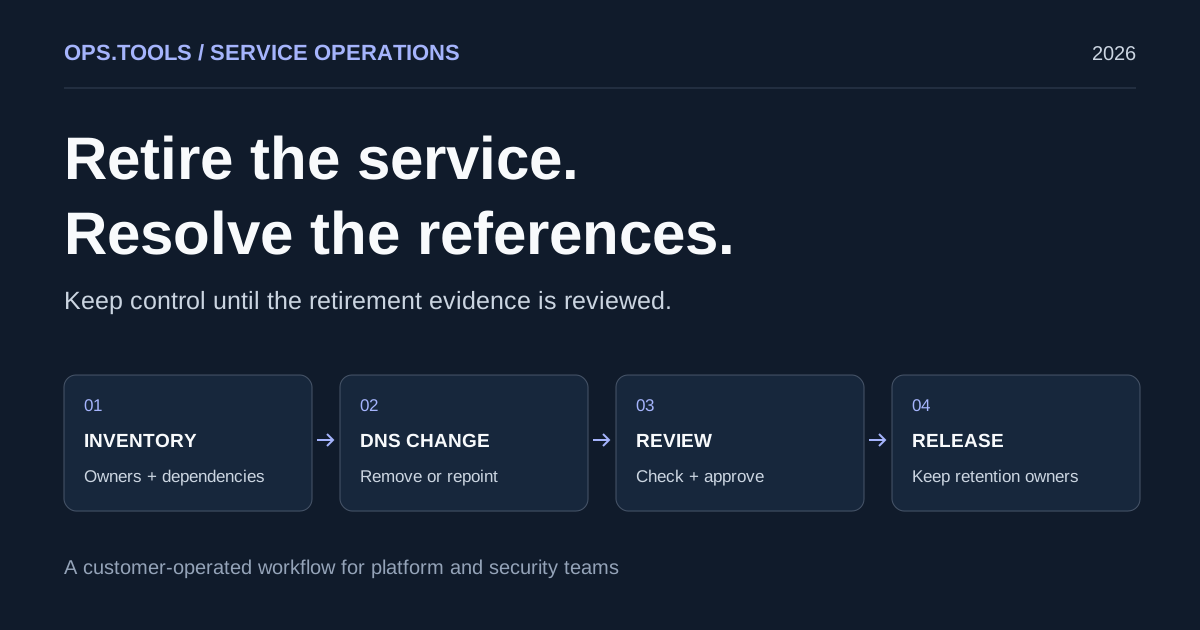
Dangling DNS Cleanup: A Safe Service Retirement Workflow
Retire services safely with dangling DNS cleanup, bulk checks, certificate and domain retention decisions, and a CI approval gate before releasing resources.
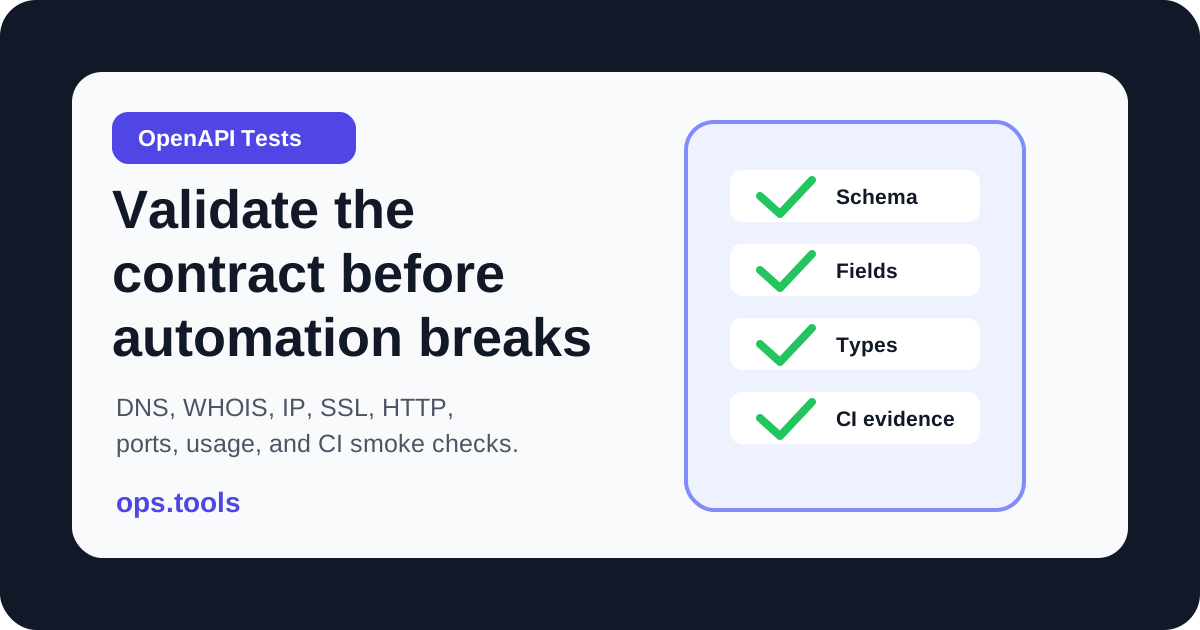
OpenAPI Contract Tests for Infrastructure APIs in 2026
Build OpenAPI contract tests for DNS, WHOIS, IP, SSL, HTTP, port, and usage endpoints so CI catches schema drift before production workflows break.
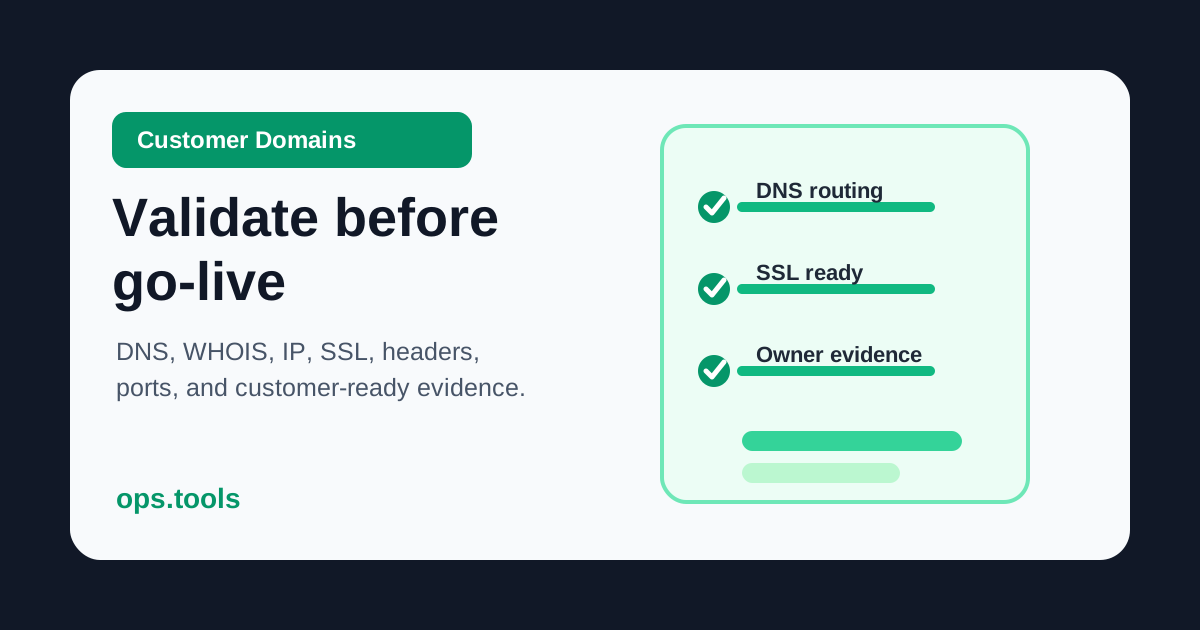
Customer Domain Onboarding Automation in 2026: Validate DNS, SSL, IP, and WHOIS Before Go-Live
Build a customer-domain readiness gate with DNS ownership checks, WHOIS context, IP ownership, SSL validation, headers, scoped ports, bulk runs, and webhook routing.