Port Exposure Checks in CI/CD: Guardrails for Public Services
Add scoped port checks to release pipelines so unexpected public services are caught before they become production drift, security review churn, or an incident ticket with no owner.
The Problem: Ports Drift Outside the Change Ticket
A service can pass unit tests, ship through deployment automation, and still expose something unexpected on the public internet. A temporary admin listener stays open. A database proxy binds to a public interface. A staging hostname points at production. A TLS service answers on the right port but with the wrong certificate.
Most teams discover these issues through periodic security scans or external reports. That is too late for changes that can be checked at release time. Port exposure checks in CI/CD do one focused job: compare the public services visible on an approved target against the ports and protocols the service owner expected.
This is not a request to run broad internet scans from a build job. Keep the scope to assets you own or are explicitly authorized to test. The value is precision: known targets, known allowed ports, and enough context to explain a failure without asking three teams to reproduce it manually.
Verified Ops.Tools Capabilities Used Here
The public OpenAPI file documents /v1-port-scanner with a required target parameter and optional ports, timeout, and skipCache parameters. The response includes a scan ID, duration, per-port state, service name, optional banner, optional TLS details, and a summary of open, closed, and filtered ports.
A release guardrail becomes stronger when the port result is joined with adjacent checks: DNS resolution from DNS lookup, domain registration context from WHOIS data, network owner and ASN from IP details, certificate status from SSL checks, and web posture from HTTP header analysis.
Design the Manifest Before You Write the Script
The manifest is the contract. Without it, a port scanner is just another source of findings nobody owns. Keep the manifest in the same repo as the infrastructure code when possible, or in a central operations repo when multiple teams share the public surface.
| Field | Example | Why it matters |
|---|---|---|
| target | app.example.com | The hostname or IP address authorized for checks. |
| approvedPorts | 80, 443 | The ports that may be open for this surface. |
| owner | platform-web | The team that receives failed policy results. |
| domainOwner | domain-ops | Useful when WHOIS expiration or nameserver drift is involved. |
| expectedNetwork | Approved CDN or hosting ASN | Lets IP details catch traffic pointed at the wrong provider. |
For domain portfolios, add renewal owner, business unit, and criticality. Those fields do not change the port scan itself, but they change the response. An unexpected open port on a parked research domain is different from the same finding on the login domain for a regulated product.
A Release-Friendly Workflow
- Define the asset manifest. Store target, service owner, environment, expected domain, approved ports, and escalation channel in source control.
- Resolve the target. Use DNS records to confirm the hostname points where the release plan expects. If DNS is not stable yet, fail early and keep the port check out of the noise.
- Scan only approved candidates. Pass a narrow port list such as
80,443,8443or the service owner's explicit allowlist. - Classify the result. Open approved ports can pass. Open unapproved ports should fail the pipeline. Filtered ports may need a warning, depending on how your firewall policy is written.
- Attach context. Add IP country, ASN, organization, certificate validity, and header posture when the failed port is web-facing or tied to a domain portfolio.
- Route only the useful signal. Post failed policy results to a ticket, SIEM, or internal webhook. Keep full raw JSON in build artifacts for investigation.
Decision Matrix
| Finding | Pipeline action | Reason |
|---|---|---|
| Approved port open | Pass | The public service matches the manifest. |
| Unapproved port open | Fail | The release exposes a service not approved for that target. |
| TLS port open, certificate invalid | Fail | Users may see browser warnings or hit the wrong host. |
| Expected port filtered | Warn or fail | Depends on whether the service should be reachable before cutover. |
Technical Implementation
These examples use https://api.ops.tools and the x-api-key header documented in the public API spec. The same pattern works from GitHub Actions, GitLab CI, Buildkite, Jenkins, or a scheduled platform job.
cURL: scan a narrow port allowlist
curl -G "https://api.ops.tools/v1-port-scanner" \
  -H "x-api-key: $OPS_TOOLS_API_KEY" \
  --data-urlencode "target=app.example.com" \
  --data-urlencode "ports=80,443,8443" \
  --data-urlencode "timeout=5000"
Example response shape
{
  "target": "app.example.com",
  "ip": "203.0.113.10",
  "scanId": "scan_20260421_example",
  "timestamp": "2026-04-21T12:00:00.000Z",
  "scanDurationMs": 642,
  "ports": [
    { "port": 80, "protocol": "tcp", "state": "open", "service": "http" },
    {
      "port": 443,
      "protocol": "tcp",
      "state": "open",
      "service": "https",
      "tlsVersion": "TLSv1.3",
      "certificate": {
        "subject": "CN=app.example.com",
        "issuer": "Example CA",
        "expires": "2026-09-01T00:00:00.000Z",
        "valid": true
      }
    },
    { "port": 8443, "protocol": "tcp", "state": "closed", "service": "unknown" }
  ],
  "summary": { "totalScanned": 3, "open": 2, "closed": 1, "filtered": 0 }
}
TypeScript: fail on unapproved open ports
type PortResult = {
  target: string;
  ip?: string;
  ports: Array<{
    port: number;
    protocol: "tcp" | "udp";
    state: "open" | "closed" | "filtered";
    service: string;
    banner?: string;
    tlsVersion?: string;
    certificate?: { subject: string; issuer: string; expires: string; valid: boolean };
  }>;
};

const approvedPorts = new Set([80, 443]);

async function scanPorts(target: string, ports: number[]) {
  const params = new URLSearchParams({
    target,
    ports: ports.join(","),
    timeout: "5000",
  });

  const response = await fetch(`https://api.ops.tools/v1-port-scanner?${params}`, {
    headers: { "x-api-key": process.env.OPS_TOOLS_API_KEY ?? "" },
  });

  if (!response.ok) {
    throw new Error(`Port check failed for ${target}: ${response.status}`);
  }

  return (await response.json()) as PortResult;
}

function evaluateExposure(result: PortResult) {
  const openPorts = result.ports.filter((item) => item.state === "open");
  const unapproved = openPorts.filter((item) => !approvedPorts.has(item.port));
  const invalidTls = openPorts.filter((item) => item.certificate && !item.certificate.valid);

  return {
    passed: unapproved.length === 0 && invalidTls.length === 0,
    target: result.target,
    ip: result.ip,
    openPorts: openPorts.map((item) => item.port),
    unapprovedPorts: unapproved.map((item) => item.port),
    invalidTlsPorts: invalidTls.map((item) => item.port),
  };
}
GitHub Actions Pattern
Keep the workflow small. Install dependencies, run the check script, upload the raw JSON artifact, and fail only when policy is broken. Notification can be a separate step that posts the normalized result to your own chat, SIEM, issue tracker, or webhook endpoint.
name: Public exposure check
on:
  workflow_dispatch:
  pull_request:
    paths:
      - "infra/**"
      - ".github/workflows/exposure-check.yml"

jobs:
  port-guardrail:
    runs-on: ubuntu-latest
    env:
      OPS_TOOLS_API_KEY: ${{ secrets.OPS_TOOLS_API_KEY }}
      TARGET: app.example.com
      PORTS: "80,443,8443"
    steps:
      - uses: actions/checkout@v4
      - name: Scan approved public ports
        run: |
          curl -G "https://api.ops.tools/v1-port-scanner" \
            -H "x-api-key: $OPS_TOOLS_API_KEY" \
            --data-urlencode "target=$TARGET" \
            --data-urlencode "ports=$PORTS" \
            --data-urlencode "timeout=5000" \
            --fail --silent --show-error \
            --output port-scan.json

          jq -e '
            [.ports[] | select(.state == "open" and (.port != 80 and .port != 443))] | length == 0
          ' port-scan.json
      - uses: actions/upload-artifact@v4
        with:
          name: port-scan-evidence
          path: port-scan.json
Bulk and Monitoring Patterns
Ops.Tools pricing and product pages reference bulk processing, and the API shape works well for controlled batch jobs. For domain portfolio management, keep a manifest with domains, owner teams, approved ports, renewal owner, and expected network. Run batches with conservative concurrency, especially for active checks.
A nightly monitor can enrich each failed port result with WHOIS expiration data, DNS records, IP ASN and organization, SSL certificate state, and HTTP headers. That turns a port failure into a useful investigation packet: what was exposed, which domain pointed at it, who owns the registration, which network served it, and whether the TLS and header posture matched policy.
This is also useful for competitive research and domain data work, but keep the language precise. A port scanner tells you visible service state on authorized targets. WHOIS and DNS data add registration and routing context. Reverse IP or broader asset discovery should only be treated as supported when the specific page, docs, or plan you use confirms it.
How to Enrich a Failed Port Check
The scan result tells you what is visible. The enrichment tells you why the team should care. When a pipeline finds an unapproved open port, attach a short investigation packet instead of dropping a raw JSON blob into a chat channel.
- DNS record validation: show which A, AAAA, or CNAME values pointed the hostname at the scanned target.
- WHOIS and expiration data: show registrar context, registration state, and renewal risk for the root domain.
- IP and ASN context: show country, organization, and network owner so the team can spot an unexpected provider or region.
- SSL certificate validation: show whether TLS ports present a valid certificate, how long it remains valid, and whether the subject matches the service.
- HTTP header evidence: if the open port serves HTTP, show redirect behavior, security headers, CORS, cookies, and cache policy.
This turns a vague "port 8443 is open" result into a decision-ready message: which asset changed, what was exposed, who owns it, which network served it, and what policy failed.
Rollout Plan for Platform and Security Teams
Start with monitor-only mode. Run the check for two weeks, collect findings, and tune manifests before failing builds. This avoids the common mistake of blocking releases because old exposure debt was discovered at the same moment a team tried to ship unrelated work.
Once the baseline is clean, turn on blocking for high-confidence policy breaks: unapproved open ports on production targets, invalid certificates on TLS ports, DNS records pointing outside approved networks, or missing header controls on authentication surfaces. Keep lower-confidence findings in warning mode until the owning team has a clear remediation path.
FAQ
Should every pull request run a port scan?
No. Run it when infrastructure, ingress, firewall, load balancer, DNS, or public service configuration changes. For unchanged app code, a scheduled monitor is usually a better fit.
Can this replace attack surface management?
No. It is a release and monitoring guardrail for known assets. Attack surface management covers broader discovery, ownership gaps, and unknown assets. The CI/CD check is narrower by design.
How do webhooks fit into this workflow?
Use webhooks as delivery, not as proof of a native connector. Ops.Tools pricing references webhook notifications and support, while these examples post results to whichever internal webhook or SIEM intake your team already operates.
Add scoped exposure checks to your release workflow
Use Ops.Tools APIs for port checks, DNS records, WHOIS registration data, IP details, SSL certificate validation, and HTTP header evidence.
Related articles
More guides from the same operational area.
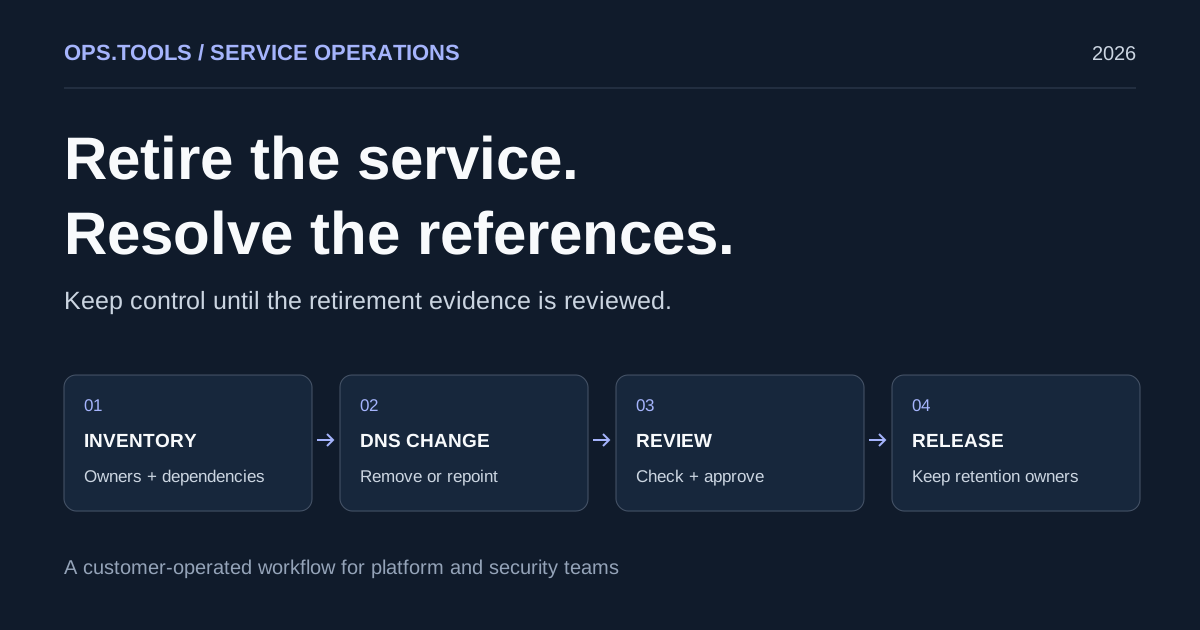
Dangling DNS Cleanup: A Safe Service Retirement Workflow
Retire services safely with dangling DNS cleanup, bulk checks, certificate and domain retention decisions, and a CI approval gate before releasing resources.
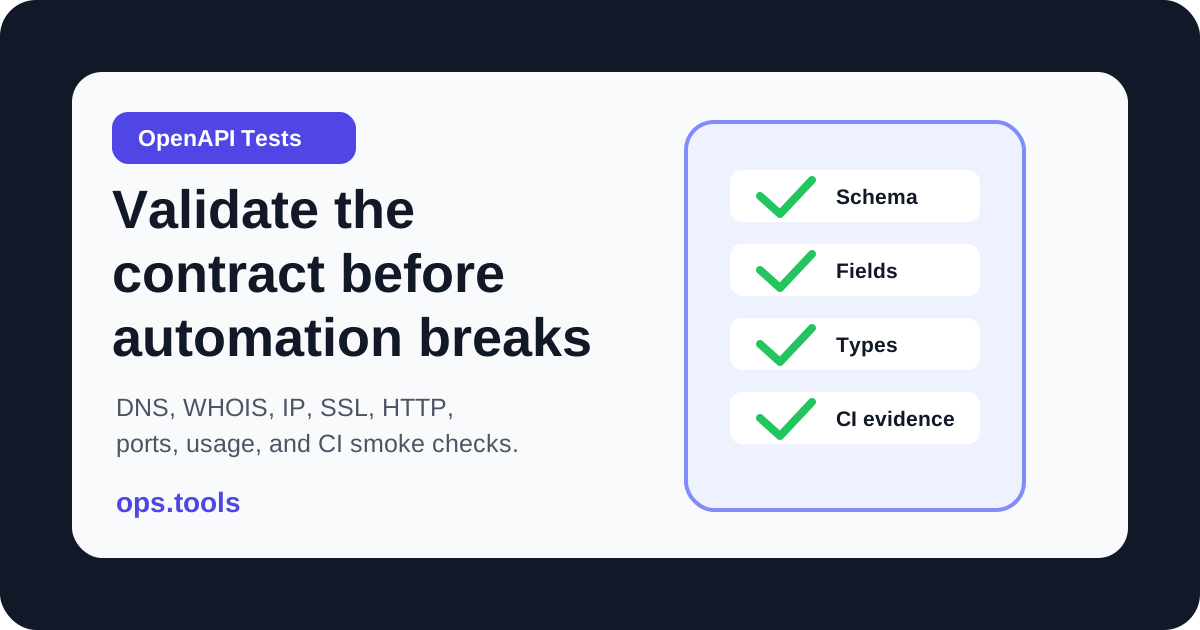
OpenAPI Contract Tests for Infrastructure APIs in 2026
Build OpenAPI contract tests for DNS, WHOIS, IP, SSL, HTTP, port, and usage endpoints so CI catches schema drift before production workflows break.
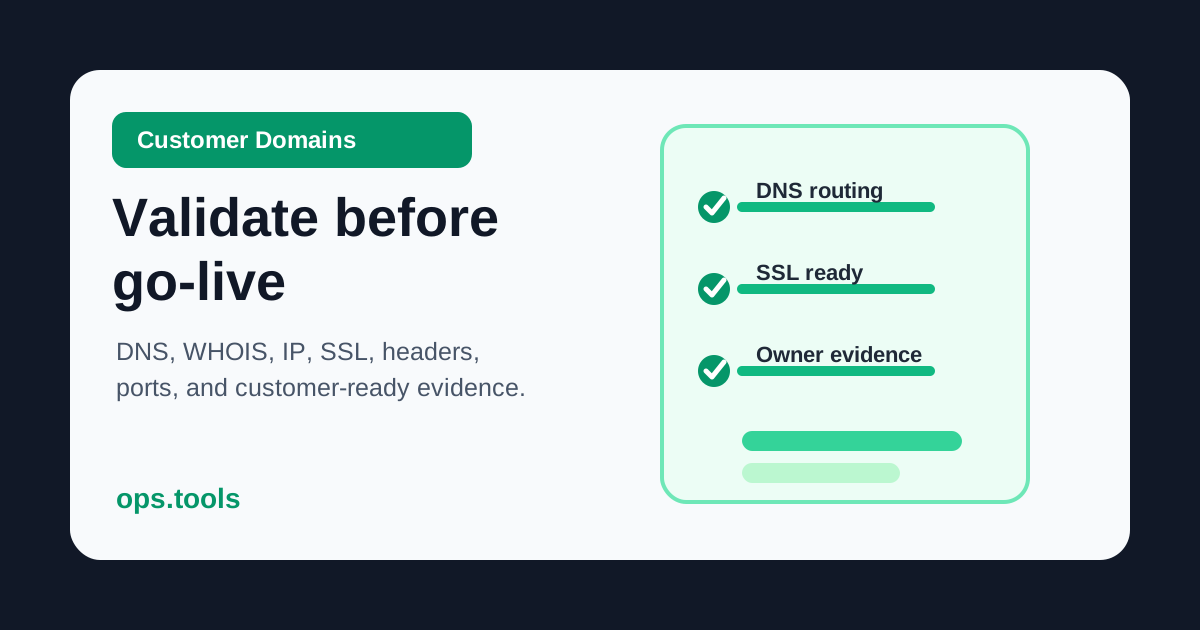
Customer Domain Onboarding Automation in 2026: Validate DNS, SSL, IP, and WHOIS Before Go-Live
Build a customer-domain readiness gate with DNS ownership checks, WHOIS context, IP ownership, SSL validation, headers, scoped ports, bulk runs, and webhook routing.