Customer Domain Onboarding Automation in 2026: Validate DNS, SSL, IP, and WHOIS Before Go-Live
Custom-domain onboarding fails in awkward places: a customer points CNAME at the wrong host, an old certificate remains active, a domain is close to expiration, or a public service appears on a hostname that should only terminate HTTPS. A useful onboarding workflow catches those issues before customer traffic depends on them.
The Operational Problem
SaaS platforms often treat custom-domain setup as a support task: ask the customer to add a DNS record, wait, click refresh, and escalate when the page still does not load. That works for a handful of domains. It breaks when every customer success manager, implementation partner, reseller, and enterprise tenant needs repeatable evidence.
Customer-owned domains also sit outside your normal infrastructure boundary. Your team may control the target application, but the customer controls DNS, registrar settings, renewal behavior, and sometimes upstream CDN or proxy configuration. A go-live workflow should validate both sides: the customer's public configuration and your platform's readiness to serve traffic.
This is not another generic DNS propagation guide or a CI/CD pipeline article. The workflow here is tenant onboarding: collect the evidence a support engineer, platform engineer, security reviewer, and customer contact can all understand before a branded hostname is activated.
Verified Ops.Tools Surface to Use
The local public OpenAPI verifies DNS lookup, WHOIS data, IP Lookup, SSL checks, HTTP Analysis, Port Scanner, API key management, usage reporting, and usage exports. The live pricing page verifies REST JSON responses, bulk processing, webhook support, HTTPS encryption, usage logging controls, account-level usage controls, interactive docs, a Postman collection, and a generated TypeScript SDK. The live tool pages also expose DNS, WHOIS, IP, SSL, HTTP header, port, reverse IP, and email authentication tooling, but this article keeps API examples tied to the documented public endpoint families.
Use the API docs and tool pages for DNS lookup, WHOIS, IP data, SSL checks, HTTP Analysis, and Port Scanner as the source of truth when building customer-facing instructions.
Onboarding Decision Matrix
| Check | Pass signal | Block or route |
|---|---|---|
| DNS records | Expected CNAME, A, TXT, MX, or NS values are visible. | Block go-live when required ownership or routing records are wrong. |
| WHOIS context | Registration data and expiration context are acceptable when available. | Warn domain operations if renewal risk or unexpected registrar context appears. |
| IP ownership | Resolved IPs map to expected network owner, ASN, country, or PTR context. | Route mismatches to platform or security before traffic moves. |
| SSL certificate | Certificate is valid, unexpired, trusted, and covers the hostname. | Block launch when the certificate cannot protect customer traffic. |
| Headers and ports | HTTP response and approved ports match the onboarding policy. | Route unexpected exposure to security or implementation owners. |
Step-by-Step Workflow
- Collect the onboarding manifest. Store tenant ID, requested hostname, expected DNS target, verification TXT value, customer owner, internal owner, go-live deadline, and renewal contact.
- Validate DNS ownership and routing. Query TXT for ownership proof, CNAME or A for routing, MX when mail flow is part of the project, and NS or SOA when delegation context matters.
- Check WHOIS context without overreacting to privacy. Look for expiration dates, registrar details, and nameserver context where available. Treat redaction as normal, not as automatic failure.
- Resolve IP context. Check the IP returned by DNS and compare organization, ASN, PTR, and country fields against the expected hosting or CDN path.
- Inspect SSL before activation. Confirm validity, expiry, issuer, SAN coverage, chain status, and port 443 behavior before the customer's traffic depends on the hostname.
- Review HTTP headers and ports. Use HTTP Analysis for redirect and header evidence. Use Port Scanner only for authorized customer assets and scoped ports such as 80, 443, or a documented service port.
- Route findings through automation. Bulk processing can evaluate many customers. Webhook support can feed your own receiver, ticketing workflow, SIEM collector, or customer-success queue. Name that path accurately.
- Record the go-live decision. Save pass, warn, or block state with raw evidence references so support can explain the result without rerunning every check.
API Examples for an Onboarding Gate
These examples use documented Ops.Tools endpoint names and parameters. Replace the expected values with your own tenant policy. If the workflow posts to a ticketing or chat tool, that final step is your automation layer, not a native integration claim.
cURL: collect the evidence pack
API_KEY="$OPS_TOOLS_API_KEY"
BASE="https://api.ops.tools"
HOSTNAME="customer.example.com"

curl -sG "$BASE/v1-dns-lookup" \
  -H "x-api-key: $API_KEY" \
  --data-urlencode "address=$HOSTNAME" \
  --data-urlencode "type=CNAME"

curl -sG "$BASE/v1-whois-data" \
  -H "x-api-key: $API_KEY" \
  --data-urlencode "domain=example.com" \
  --data-urlencode "parseWhoisToJson=true"

curl -sG "$BASE/v1-ssl-checker" \
  -H "x-api-key: $API_KEY" \
  --data-urlencode "domain=$HOSTNAME" \
  --data-urlencode "port=443"

curl -sG "$BASE/v1-analyze-http" \
  -H "x-api-key: $API_KEY" \
  --data-urlencode "url=https://$HOSTNAME"
TypeScript: classify pass, warn, or block
const BASE = 'https://api.ops.tools';
const apiKey = process.env.OPS_TOOLS_API_KEY;

async function getJson(path: string, params: Record<string, string>) {
  const url = new URL(path, BASE);
  for (const [key, value] of Object.entries(params)) {
    url.searchParams.set(key, value);
  }

  const response = await fetch(url, {
    headers: { 'x-api-key': String(apiKey) },
  });

  if (!response.ok) {
    return { state: 'block', reason: 'API request failed: ' + response.status };
  }

  return response.json();
}

const hostname = 'customer.example.com';
const expectedTarget = 'tenant-123.platform.example.net';

const dns = await getJson('/v1-dns-lookup', {
  address: hostname,
  type: 'CNAME',
});

const ssl = await getJson('/v1-ssl-checker', {
  domain: hostname,
  port: '443',
});

const reasons: string[] = [];

if (!Array.isArray(dns.records) || !dns.records.includes(expectedTarget)) {
  reasons.push('CNAME does not point at the assigned platform target');
}

if (!ssl.certificate?.isValid || ssl.certificate?.isExpired) {
  reasons.push('SSL certificate is not valid for launch');
}

const decision = reasons.length === 0 ? 'pass' : 'block';

console.log({
  hostname,
  decision,
  reasons,
  checkedAt: new Date().toISOString(),
});
Bulk and Monitoring Patterns
Customer-domain onboarding rarely stays one-at-a-time. Enterprise migrations can involve hundreds of branded hostnames, reseller portfolios, regional domains, vanity domains, and legacy redirects. Use a manifest that groups domains by tenant, owner, region, and risk tier. Then run batches by owner instead of one anonymous scan. That makes support handoff, credit forecasting, and alert routing far easier.
After go-live, the same checks become lightweight monitoring. DNS record validation catches customer-side changes. WHOIS context supports expiration tracking and renewal conversations. SSL checks surface certificate lifecycle risk. IP and ASN evidence catches unexpected hosting movement. HTTP headers and scoped ports help security teams understand exposure changes. The cadence can be slower than release-time validation, but the evidence model should stay the same.
For incident response, attach the latest onboarding evidence to the case before asking a customer to change DNS. A support engineer can then say which record is wrong, which certificate failed, or which IP path changed without guessing. For competitive research or domain operations, the same manifest pattern can track domains you do not serve directly, but keep authorization and acceptable-use boundaries clear.
Go-Live States Your Team Can Explain
The worst onboarding status is "not working." It gives support nothing to say and gives the customer no next action. Use a small state machine instead. Each state should map to evidence, owner, and next step. That keeps the workflow useful for technical buyers, implementation partners, and customer-facing teams.
| State | Meaning | Who acts next |
|---|---|---|
| Waiting for DNS | Ownership or routing records are missing or incorrect. | Customer admin or implementation partner |
| Platform review | DNS resolves, but IP, header, redirect, or port evidence needs review. | Platform or SRE owner |
| Security review | Unexpected exposure, registrar context, or certificate risk needs approval. | Security or compliance owner |
| Ready to activate | Required DNS, SSL, IP, HTTP, and ownership evidence passes policy. | Customer success or release owner |
| Monitor after launch | Go-live is complete, and recurring checks watch for drift. | Domain operations and support |
Customer-Facing Evidence Without Overexposure
Internal evidence and customer evidence should not be identical. Internally, keep raw API responses, timestamps, resolver context, normalized findings, and owner history. Externally, show only what helps the customer act: the requested hostname, the expected record, the observed record, the last checked time, and a short remediation instruction. That prevents support from leaking unrelated WHOIS text, internal tenant IDs, or security notes while still giving the customer a useful answer.
The same rule applies to webhook routing. A webhook payload can carry enough detail for your receiver to open a ticket, update a customer-success task, or enrich an internal case. It should not carry secrets or broad asset lists. Sign the payload, store the detailed evidence in a controlled system, and send a reference. This keeps the automation useful without turning every alert channel into an evidence warehouse.
Security and Compliance Notes
Customer-domain workflows can expose sensitive operational data. Do not post full WHOIS text, customer owner maps, API keys, or internal tenant identifiers into broad alert channels. Send a compact finding with a raw evidence reference. Keep authorization explicit for port scans and any active probing. Ops.Tools Terms note that users are responsible for scanning only systems they are authorized to test.
AI agents can help operators summarize evidence or suggest the next checklist step, but they should not get a broad API key or an unlimited asset list. Treat the agent as a workflow client with a scoped key, request budget, and visible transcript of what it checked. That framing is safer than implying a native autonomous integration.
What to Tell Customers
The customer-facing message should be precise and calm: which DNS record is missing, which value is expected, when the last check ran, and what will happen next. Avoid dumping raw tool output into a customer email. Give them the action, the reason, and a short confirmation path. Internally, preserve the richer evidence for platform, security, and domain operations.
FAQs
How is customer domain onboarding different from a generic CI/CD check?
A CI/CD check usually validates assets owned by the platform team. Customer domain onboarding validates customer-controlled DNS, registration, certificate, and exposure signals before a tenant or branded hostname is allowed to go live.
Which Ops.Tools checks fit a customer-domain workflow?
The verified public API surface includes DNS lookup, WHOIS data, IP Lookup, SSL checks, HTTP Analysis, Port Scanner, API keys, usage reporting, and usage exports. The pricing page also verifies bulk processing and webhook support.
Should customer domains fail automatically when WHOIS data is redacted?
No. Redacted WHOIS data is common. Use WHOIS for registration and expiration context when available, then combine it with DNS, SSL, IP, header, and port evidence before deciding whether to block go-live.
Can this workflow open tickets or send chat alerts?
Yes, through your own webhook receiver, CI/CD job, ticketing automation, SIEM collector, or customer-success tooling. Do not call it a native Ops.Tools integration unless that specific integration is documented.
The goal is not to make onboarding stricter for its own sake. It is to make customer-domain readiness observable, explainable, and repeatable. When every go-live decision has DNS, WHOIS, IP, SSL, header, and exposure evidence behind it, support gets fewer mysteries and customers get fewer avoidable launch delays.
Turn customer-domain checks into a repeatable gate
Use Ops.Tools DNS, WHOIS, IP Lookup, SSL, HTTP Analysis, Port Scanner, bulk, and webhook-supported workflows to validate customer domains before traffic depends on them.
Related articles
More guides from the same operational area.
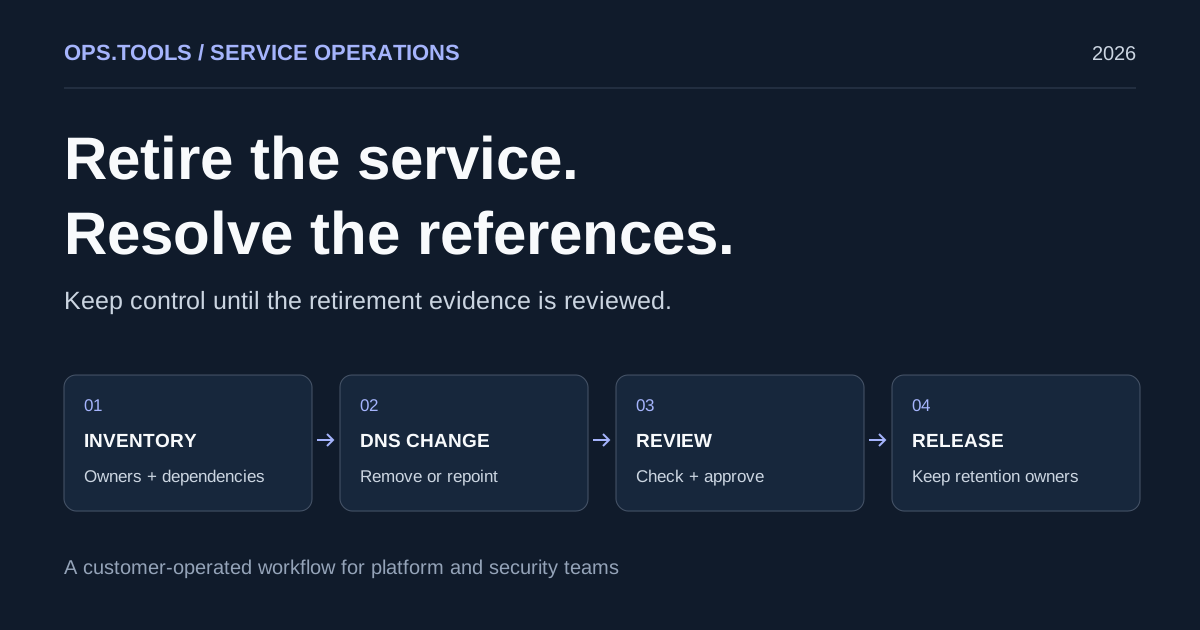
Dangling DNS Cleanup: A Safe Service Retirement Workflow
Retire services safely with dangling DNS cleanup, bulk checks, certificate and domain retention decisions, and a CI approval gate before releasing resources.
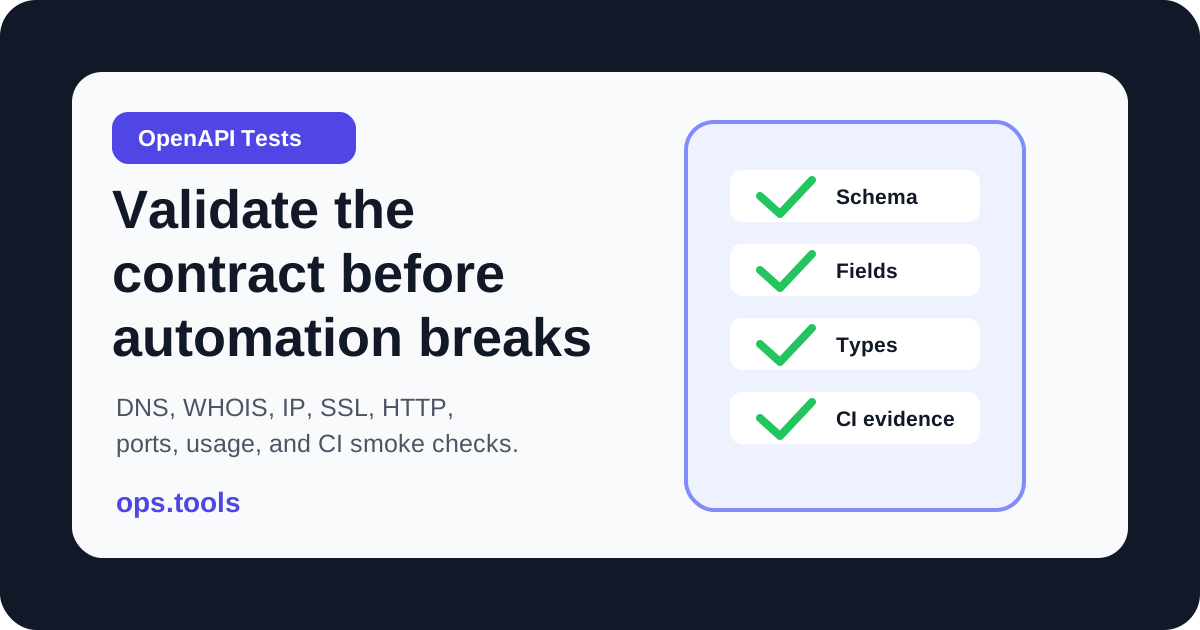
OpenAPI Contract Tests for Infrastructure APIs in 2026
Build OpenAPI contract tests for DNS, WHOIS, IP, SSL, HTTP, port, and usage endpoints so CI catches schema drift before production workflows break.
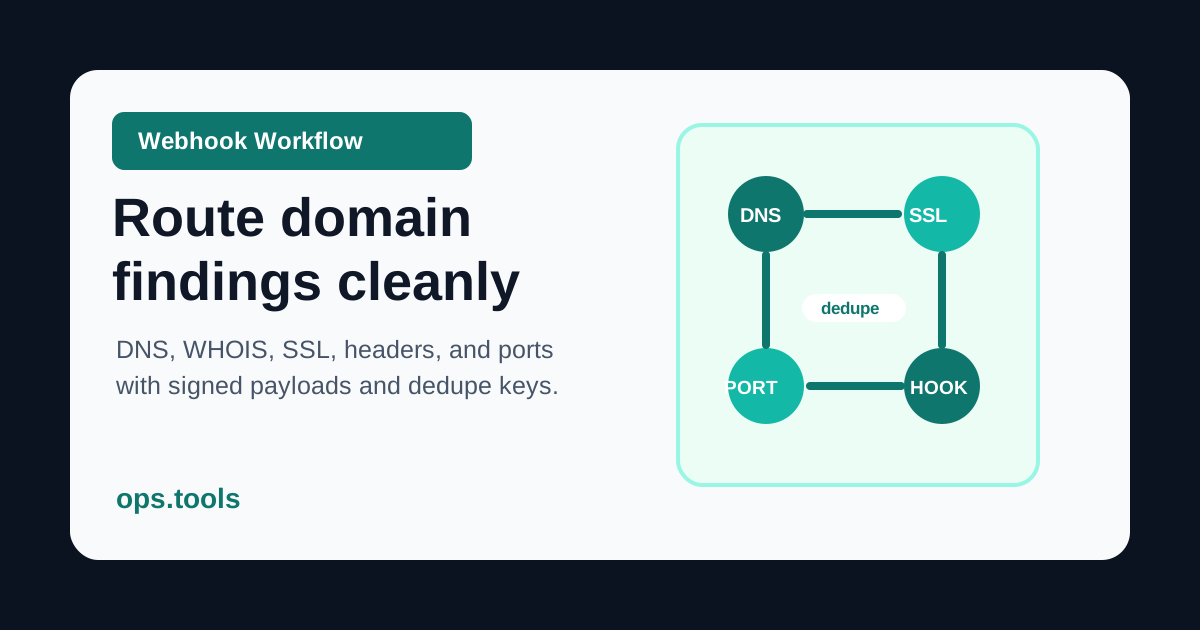
Webhook-Based Domain Monitoring in 2026: DNS, WHOIS, SSL, Headers, and Ports
Route domain and infrastructure findings through webhook-based workflows with signed payloads, dedupe keys, owner-aware routing, retries, and evidence references.