API Integration Guide: Getting Started with Ops.Tools APIs
Complete getting started guide for DNS, WHOIS, IP geolocation, and SSL certificate APIs. Authentication, code examples, error handling, and deployment patterns.
Ops.Tools API Overview
Ops.Tools provides four API products for domain data, DNS data, WHOIS data, and network diagnostics. All APIs use a consistent REST interface with JSON responses, making it easy to integrate multiple data sources into a single application.
DNS Lookup API
Query A, AAAA, MX, CNAME, TXT, NS, SOA, PTR, SRV, and CAA records for any domain.
Read the DNS API guide →WHOIS Lookup API
Get domain registration data, expiration dates, registrar info, and name servers.
Read the WHOIS API guide →IP Geolocation API
Get country, city, ISP, timezone, and VPN/proxy detection from any IP address.
Read the IP API guide →SSL Checker API
Verify SSL certificate validity, expiration dates, protocol versions, and chain trust.
Read the SSL API guide →Getting Started
Create an Account
Sign up at ops.tools and choose a plan. Professional plans start at $6.99/month for 6,000 API calls. All plans include access to all four APIs.
Generate Your API Key
Navigate to the API Keys section in your dashboard and generate a new API key. Keep it secure and never expose it in client-side code.
Make Your First API Call
curl -X GET "https://api.ops.tools/v1/dns/lookup?domain=example.com&recordType=A" \
  -H "Authorization: Bearer YOUR_API_KEY"
Handle Responses and Errors
All APIs return JSON responses. Successful responses use HTTP 200. Errors return appropriate HTTP status codes (400 for invalid input, 401 for auth errors, 429 for rate limits, 500 for server errors).
Implement Caching
Use the TTL values returned by each API to implement client-side caching. This reduces API calls by 40-60% while ensuring data freshness.
Authentication and Security
- All requests require an
Authorization: Bearer YOUR_API_KEYheader - API keys can be rotated from the dashboard at any time
- All API traffic is encrypted via HTTPS (TLS 1.2+)
- Rate limits are enforced per API key, not per IP address
- API keys should only be used in server-side code, never in browser code
Error Handling Best Practices
| HTTP Status | Error Code | Action |
|---|---|---|
| 400 | Invalid input | Validate parameters before retrying |
| 401 | Invalid API key | Check and regenerate API key |
| 429 | Rate limit exceeded | Implement exponential backoff |
| 500 | Server error | Retry after delay, contact support |
Full Integration Example
This Python example shows how to use all four APIs in a single script for comprehensive domain data analysis:
import requests

base = "https://api.ops.tools/v1"
headers = {"Authorization": "Bearer YOUR_API_KEY"}
domain = "example.com"

# DNS Lookup
dns = requests.get(f"{base}/dns/lookup", headers=headers,
    params={"domain": domain, "recordType": "A"}).json()
print(f"DNS: {dns['records']}")

# WHOIS Lookup
whois = requests.get(f"{base}/whois", headers=headers,
    params={"domain": domain}).json()
print(f"Registrar: {whois['registrar']}")
print(f"Expires: {whois['expirationDate']}")

# IP Geolocation (using the IP from DNS)
ip = dns["records"][0]["value"]
geo = requests.get(f"{base}/ip/geolocation", headers=headers,
    params={"ip": ip}).json()
print(f"Location: {geo['city']}, {geo['country']}")

# SSL Check
ssl = requests.get(f"{base}/ssl/check", headers=headers,
    params={"domain": domain}).json()
print(f"SSL Valid: {ssl['isValid']}")
print(f"Days until expiry: {ssl['daysUntilExpiration']}")
For detailed API documentation, visit the interactive API docs. View all pricing plans starting at $6.99/month.
Frequently Asked Questions
Q: How do I get started with Ops.Tools APIs?
Create an account at ops.tools, generate an API key from the dashboard, and make your first API call using our documentation. Professional plans start at $6.99/month for 6,000 API calls. All plans include access to DNS, WHOIS, IP, and SSL APIs.
Q: What programming languages are supported?
Ops.Tools APIs are REST-based and work with any programming language. We provide code examples in Python, Node.js, Go, and PHP. Any language with HTTP client support can use the API.
Q: What are the rate limits?
Rate limits depend on your plan. Starter ($6.99/month): 200 requests/minute. Growth ($99/month): 500 requests/minute. Business ($249/month): 2,000 requests/minute. Enterprise: custom limits.
Q: How does API authentication work?
Authentication uses a Bearer token via the Authorization header. Include "Authorization: Bearer YOUR_API_KEY" in every request. API keys are generated from your dashboard and can be rotated at any time.
Related articles
More guides from the same operational area.
OpenAPI Contract Tests for Infrastructure APIs in 2026
Build OpenAPI contract tests for DNS, WHOIS, IP, SSL, HTTP, port, and usage endpoints so CI catches schema drift before production workflows break.
Customer Domain Onboarding Automation in 2026: Validate DNS, SSL, IP, and WHOIS Before Go-Live
Build a customer-domain readiness gate with DNS ownership checks, WHOIS context, IP ownership, SSL validation, headers, scoped ports, bulk runs, and webhook routing.
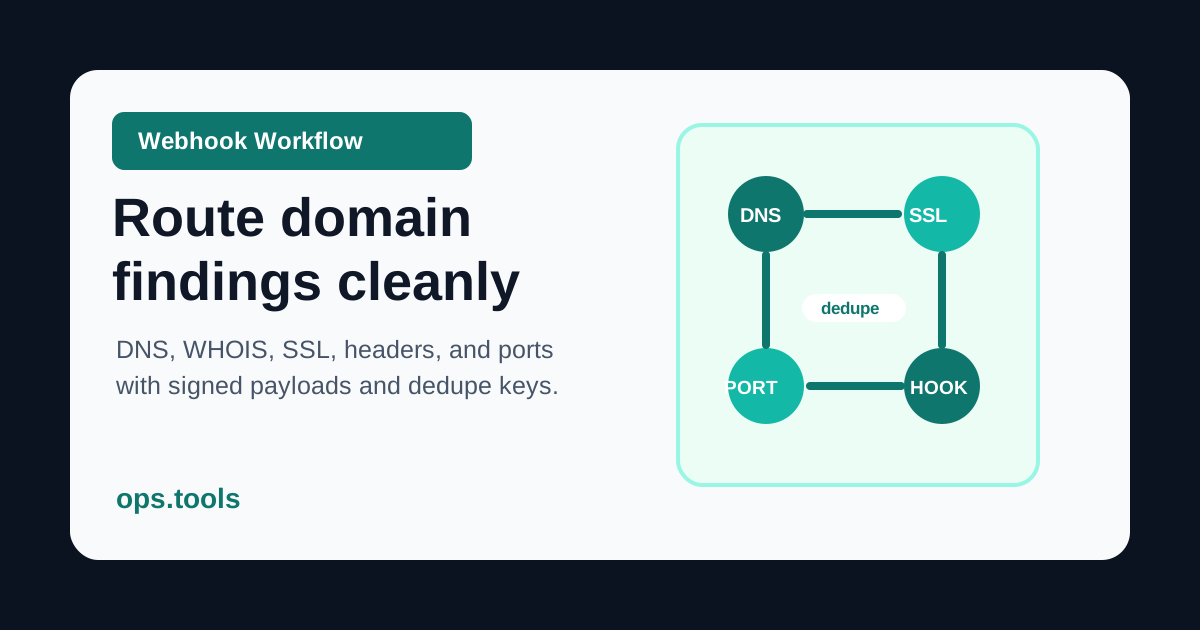
Webhook-Based Domain Monitoring in 2026: DNS, WHOIS, SSL, Headers, and Ports
Route domain and infrastructure findings through webhook-based workflows with signed payloads, dedupe keys, owner-aware routing, retries, and evidence references.
Start Building with Ops.Tools APIs
Access DNS, WHOIS, IP, and SSL APIs with one API key. Plans from $6.99/month.